v5.0 launch sale - limited time offer!
Tailwind CSS Team
There are 7 available components in this category, preview them all!
Circle Photos with Title
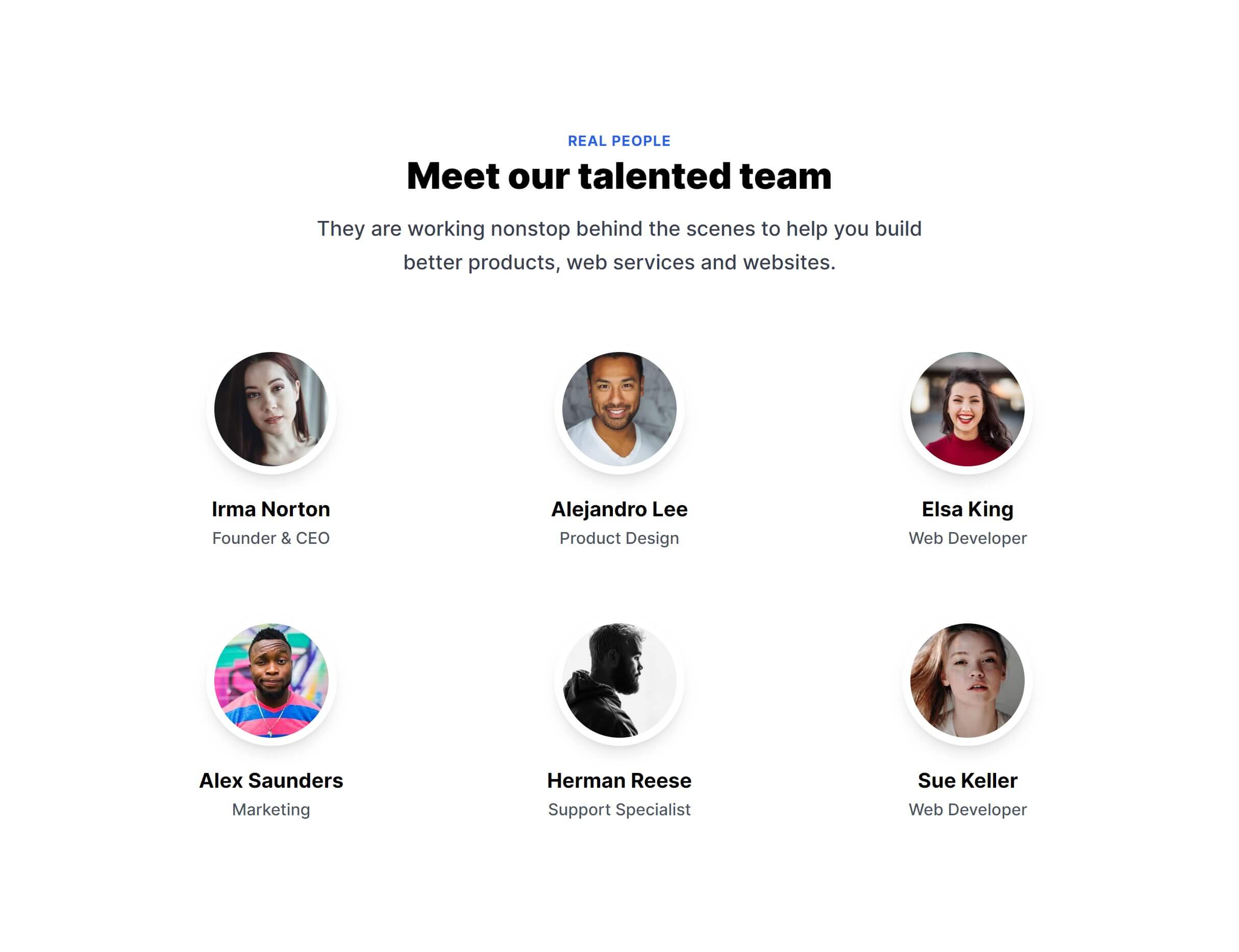
Large Photos with Details
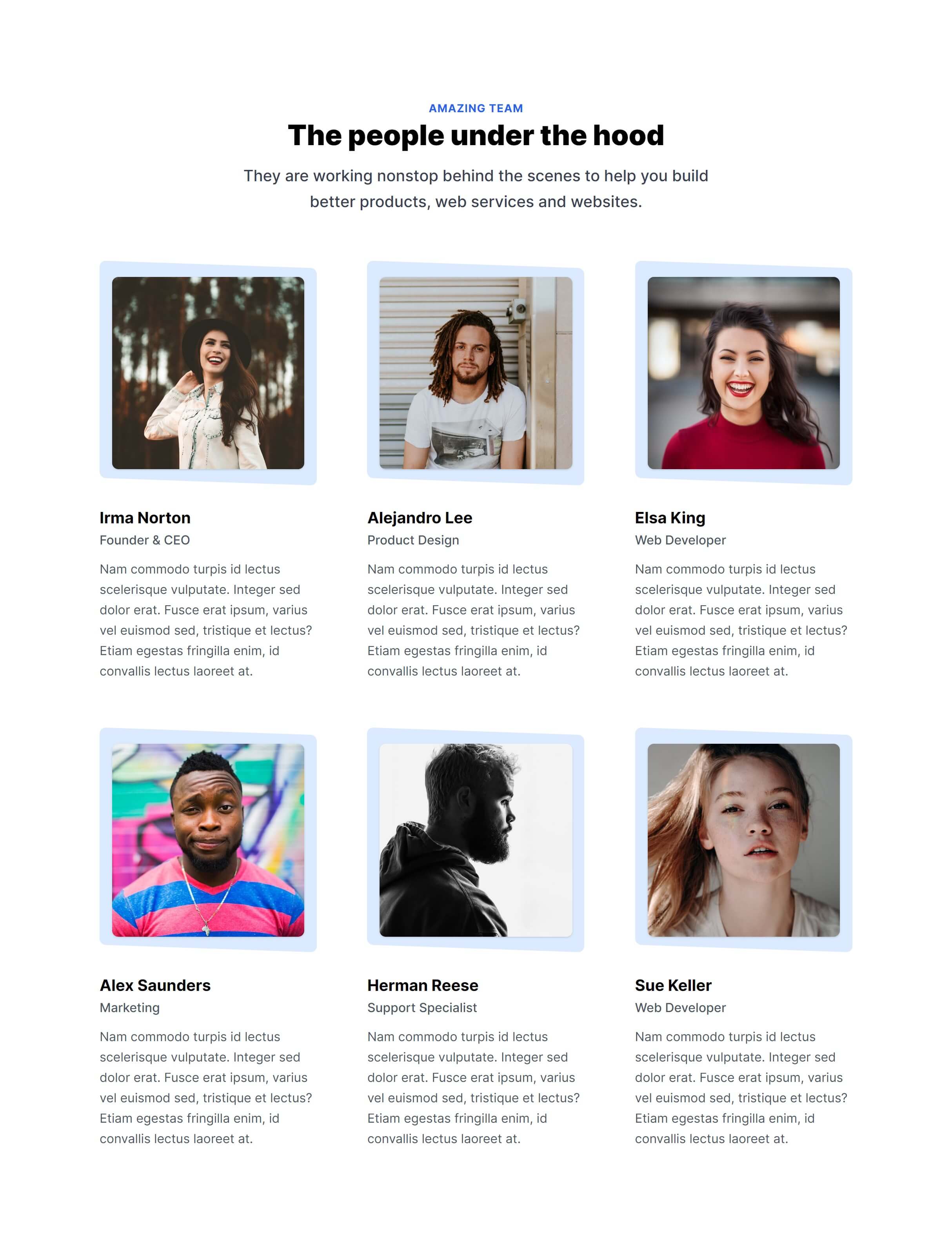
Vertical Photos with Details
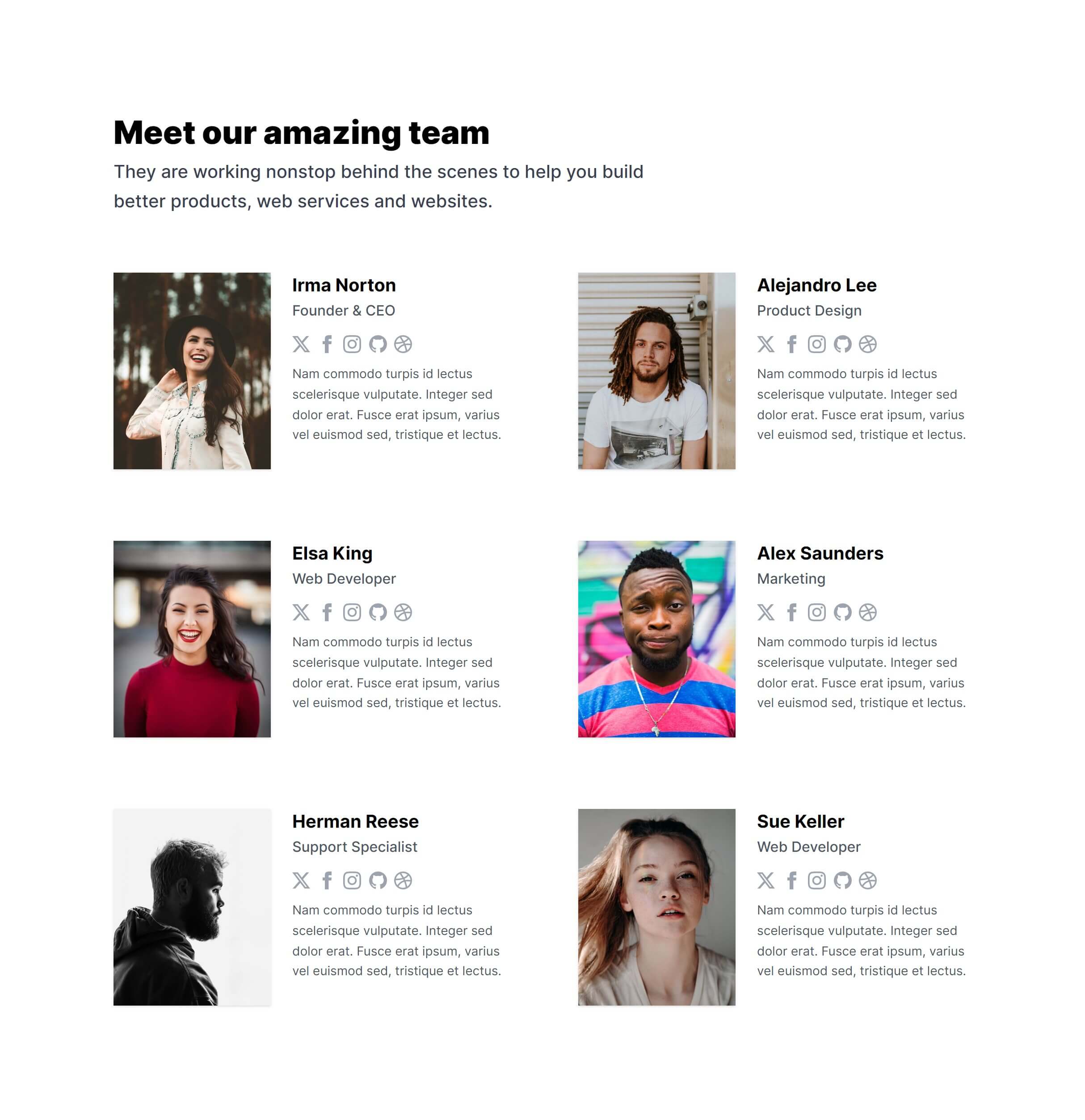
Vertical Link Photos
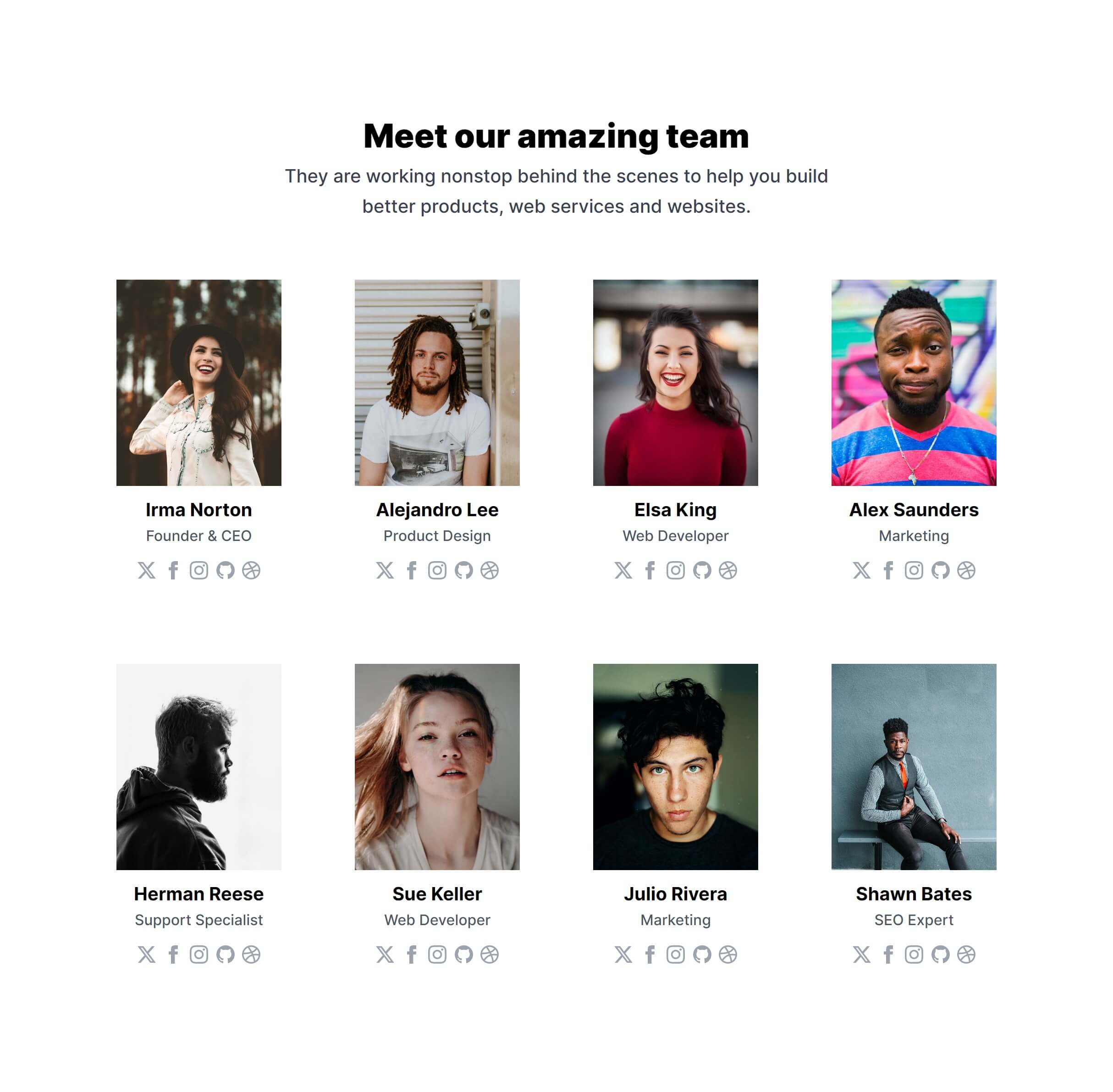
Vertical Photos with Overlay
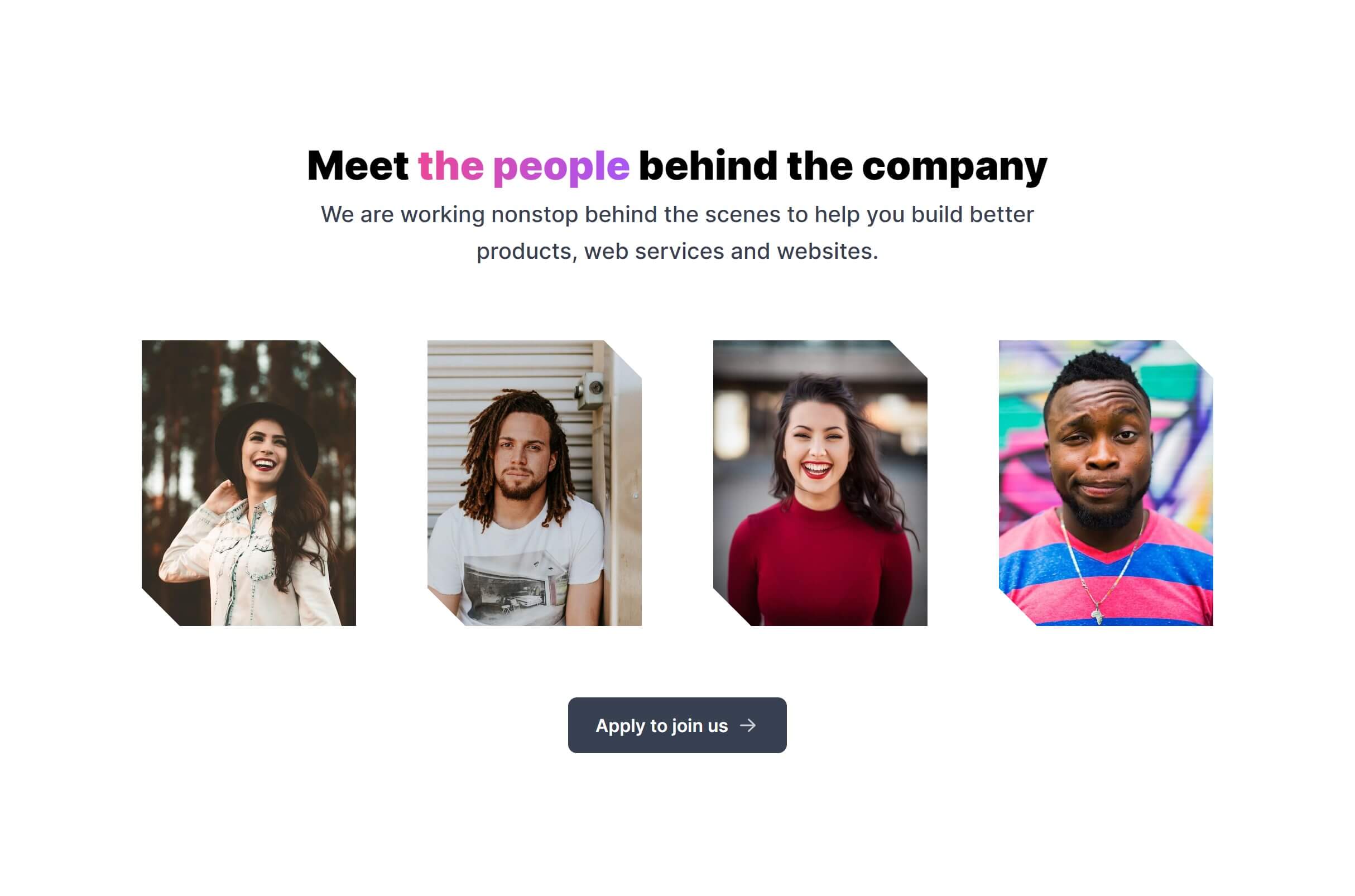
Vertical Photos with Asymmetrical Alignment
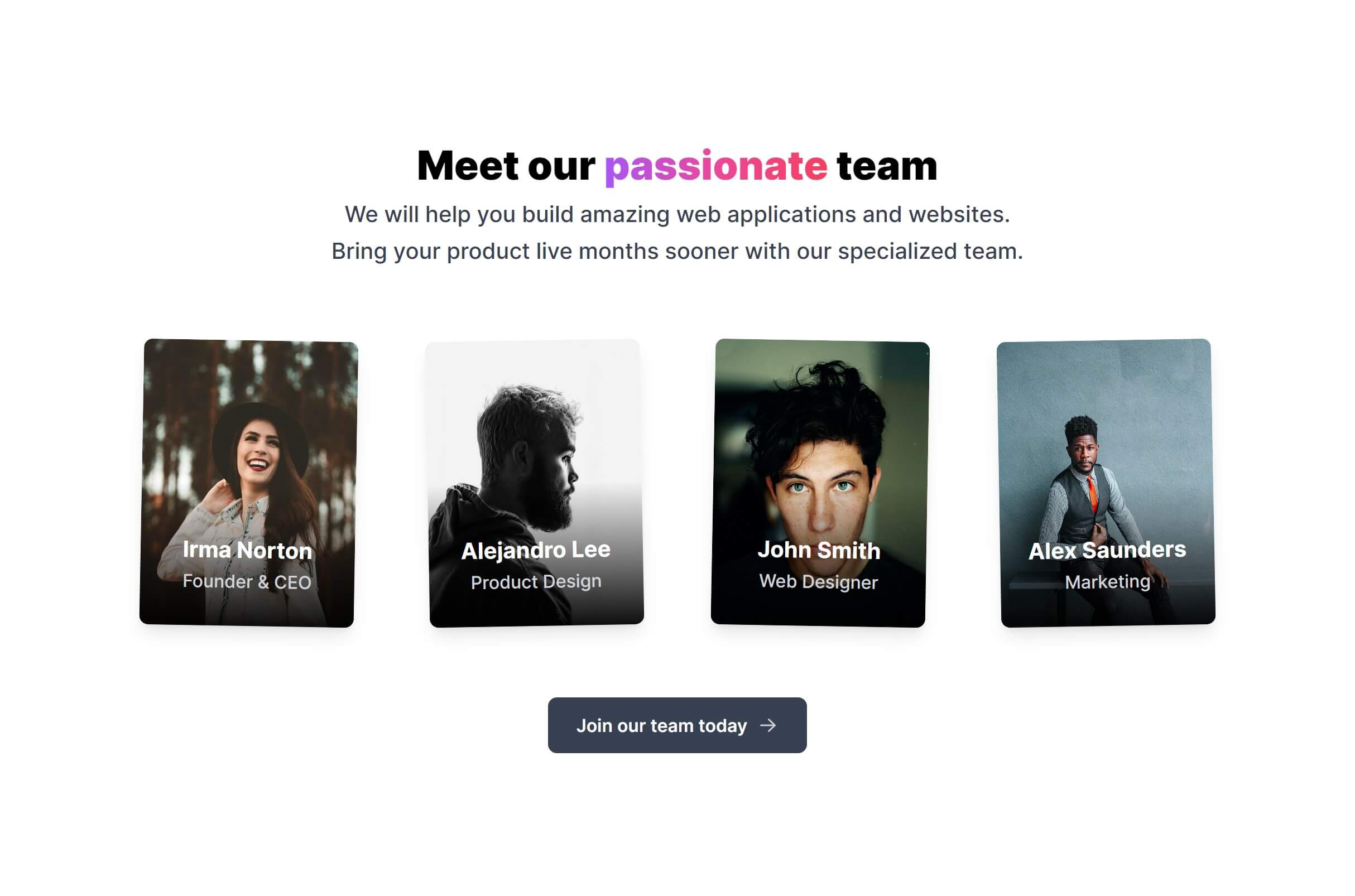
Mini Photos with Grayscale Filter
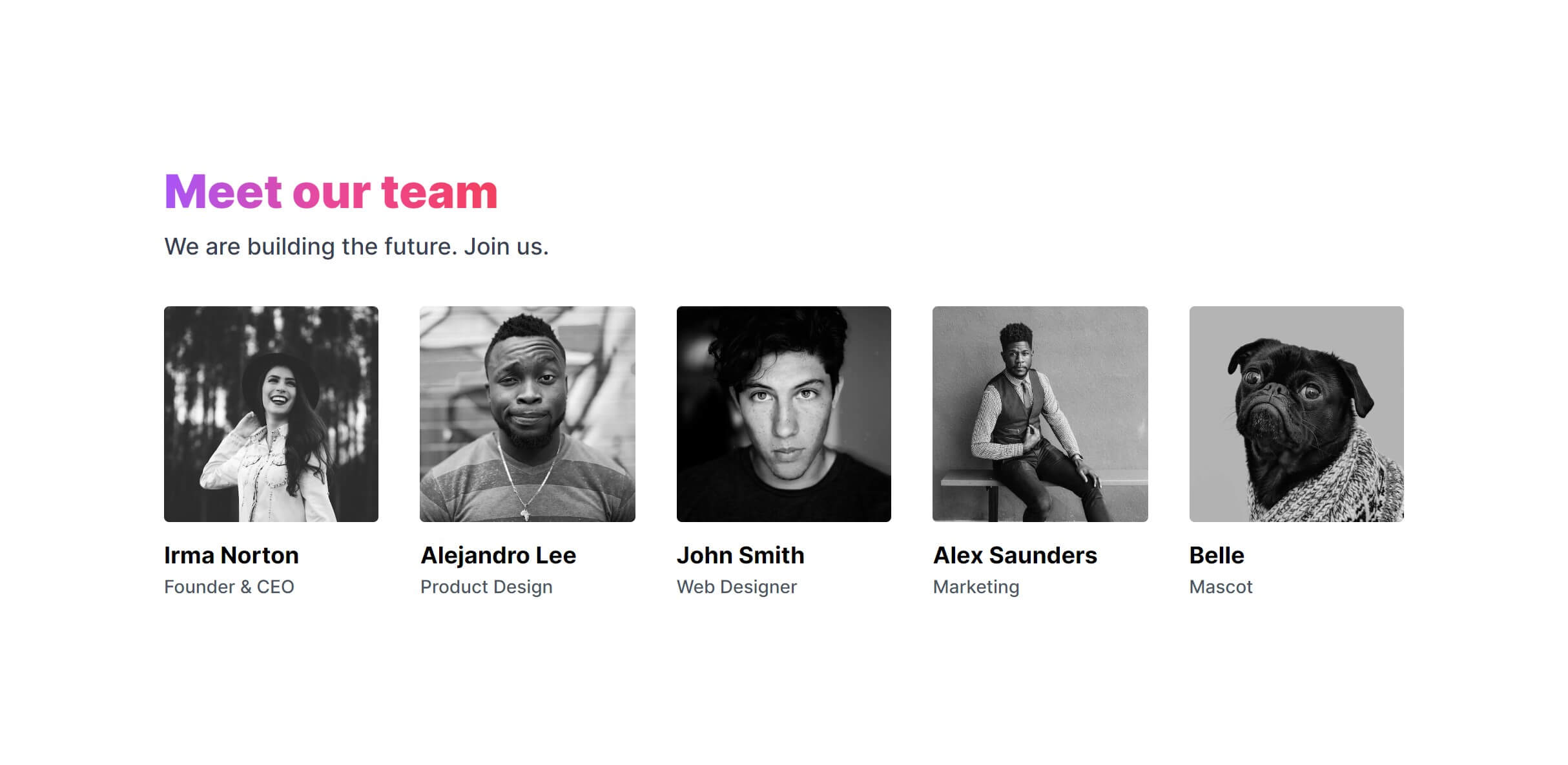
Frequently Asked Questions
Let’s have a better look into Tailwind CSS Team.
How many team members should I display?
Show the people who matter most to your audience. For small teams, displaying everyone builds a personal connection. For larger companies, focus on leadership, key department heads, or the team most relevant to your visitors. A curated selection of 6 to 12 members usually makes a stronger impression than a massive grid where individual faces get lost.
What photo style works best for team sections?
Consistent photography makes the biggest difference. Use the same background, lighting setup, and framing across all photos. Square or slightly vertical photos work well in grid layouts. Circular crops suit compact designs. Avoid mixing professional headshots with casual selfies. If professional photography isn't an option, consistent lighting and a neutral background with phone photos can still look polished.

2,000+ handcrafted snippets.
Now in your AI editor.
Build modern web apps and websites with Tailkit's huge collection of Tailwind components, templates and tools. Now available through our MCP Server.