Tailwind CSS Checkout
There are 6 available components in this category, preview them all!
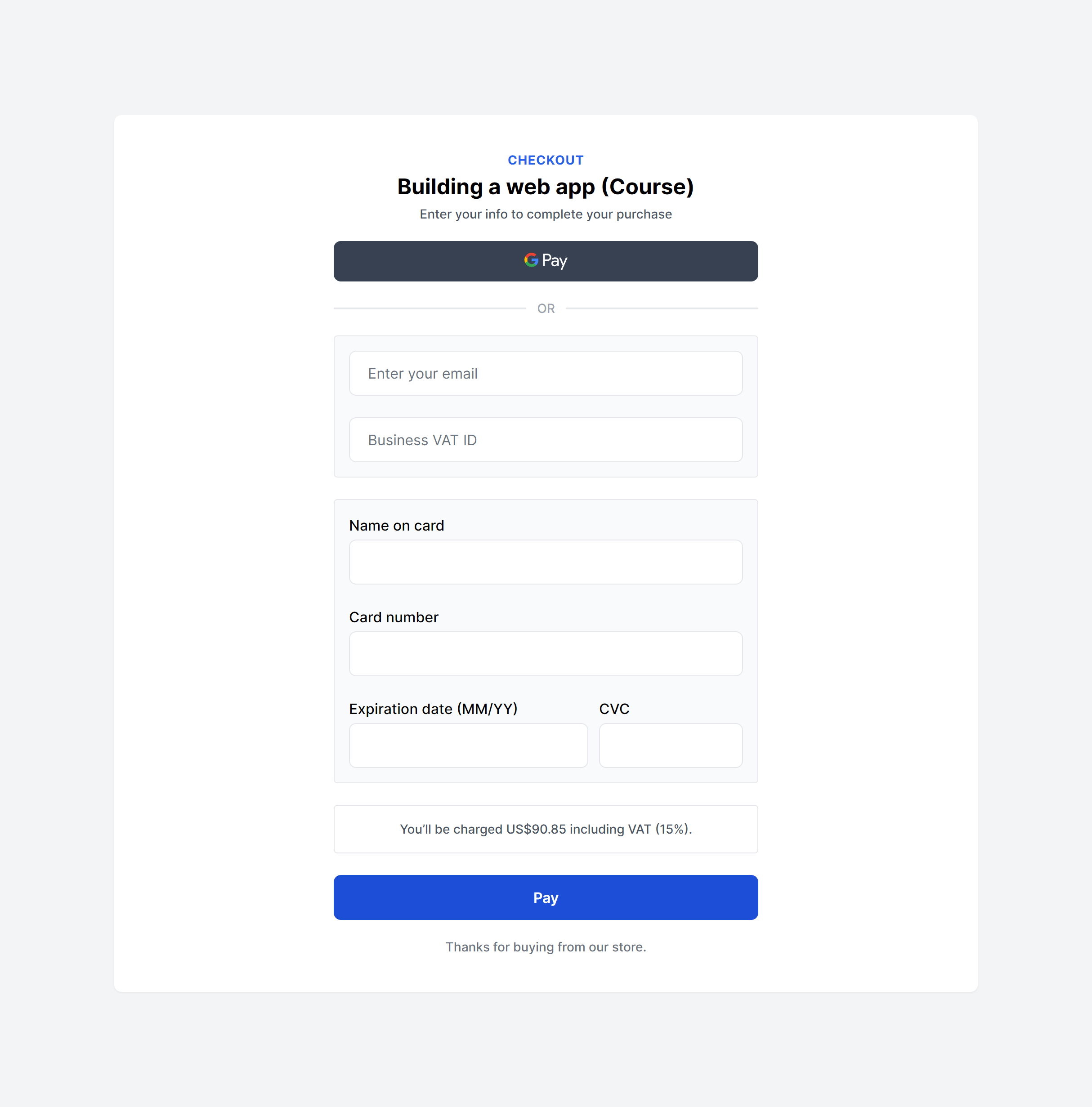
Simple Box
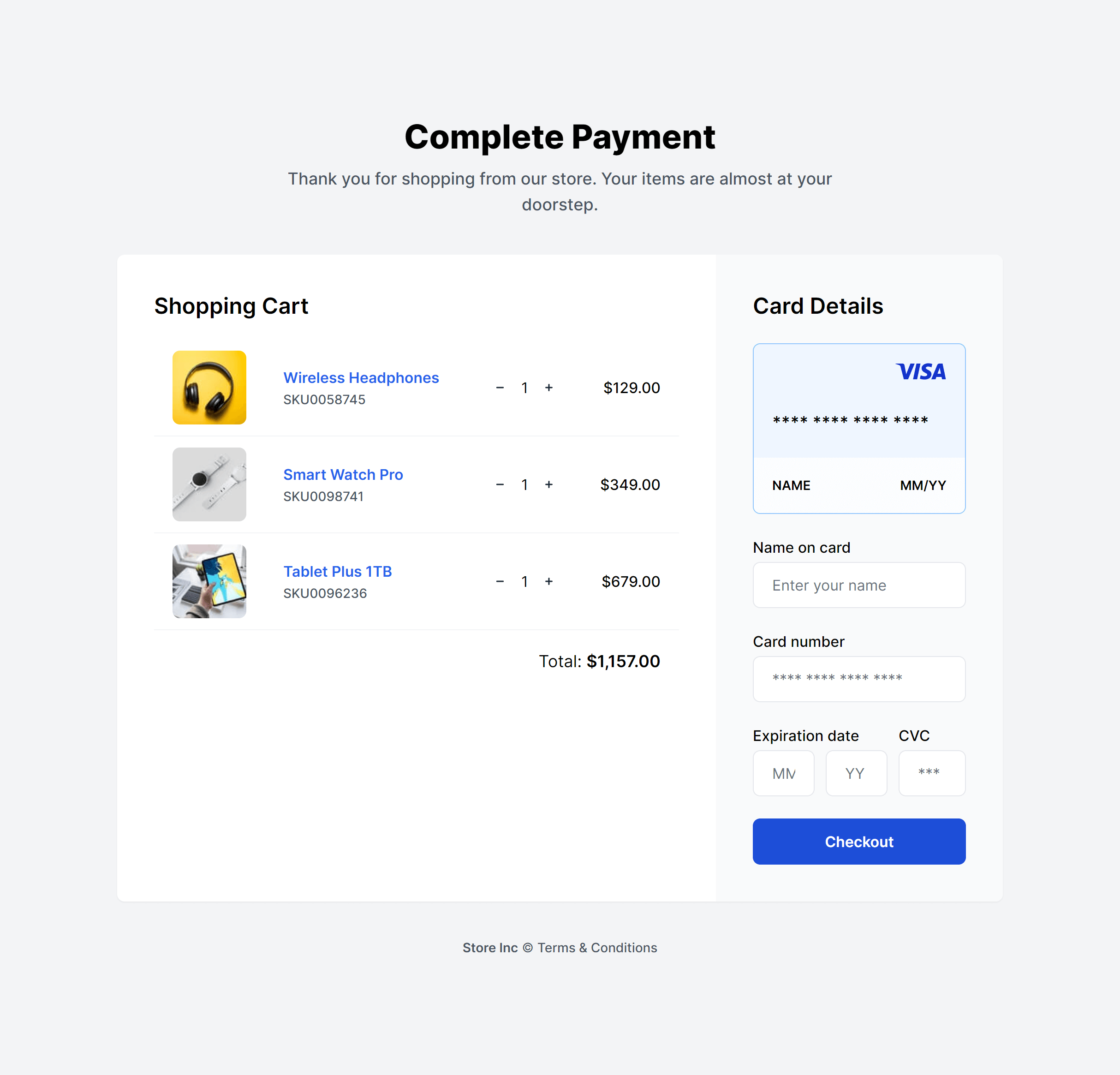
With Shopping Cart
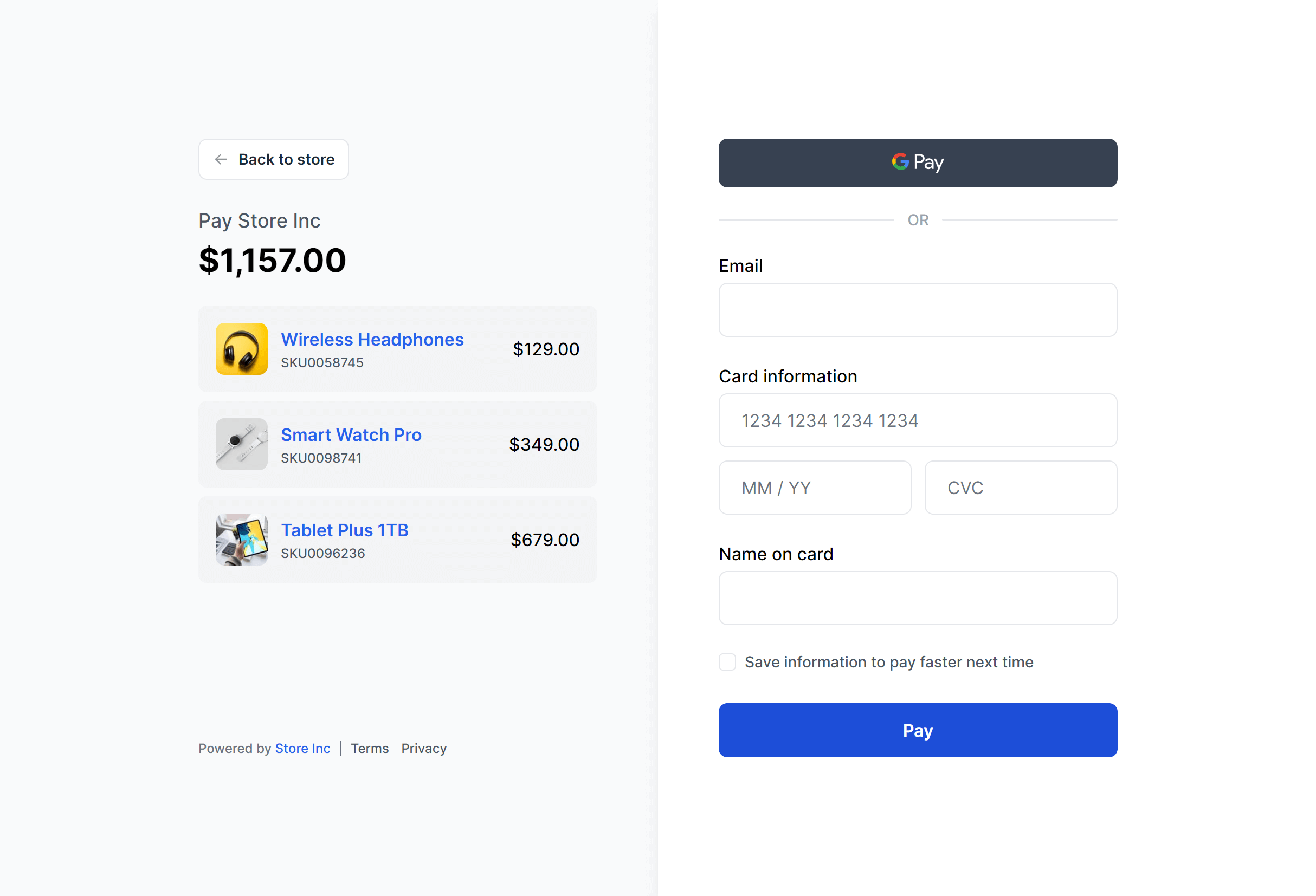
Split Payment
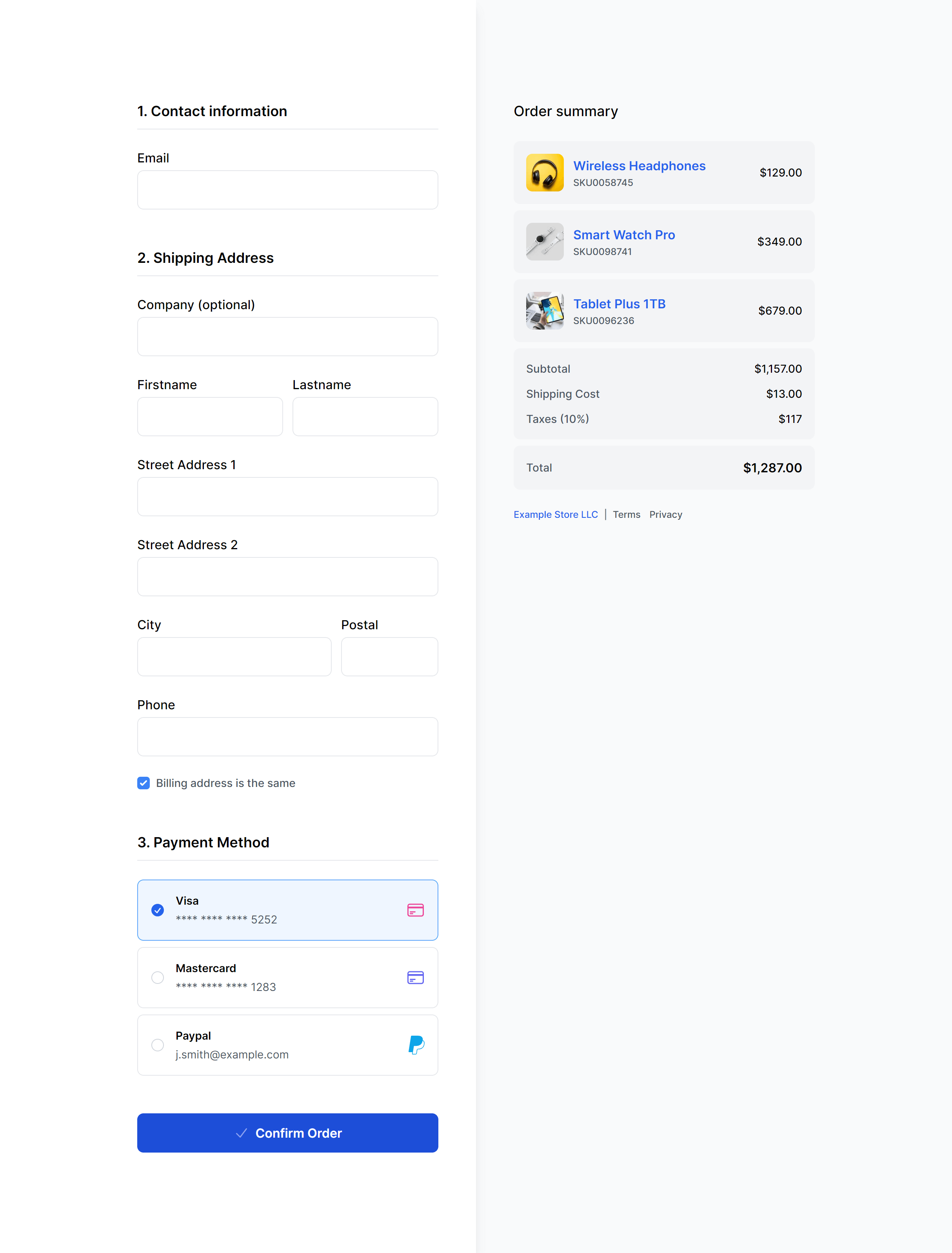
Split with Shipping Details
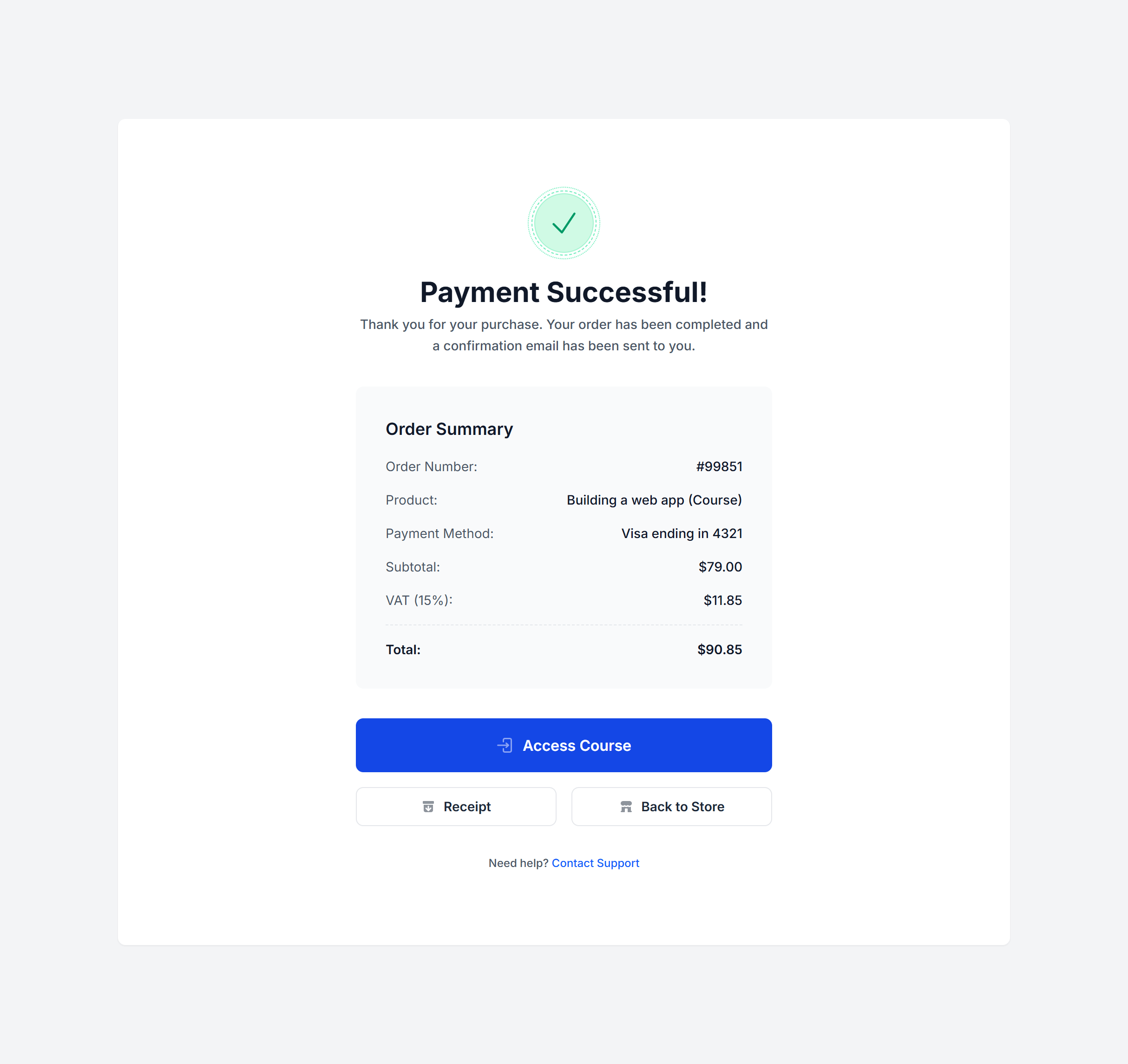
Success Box
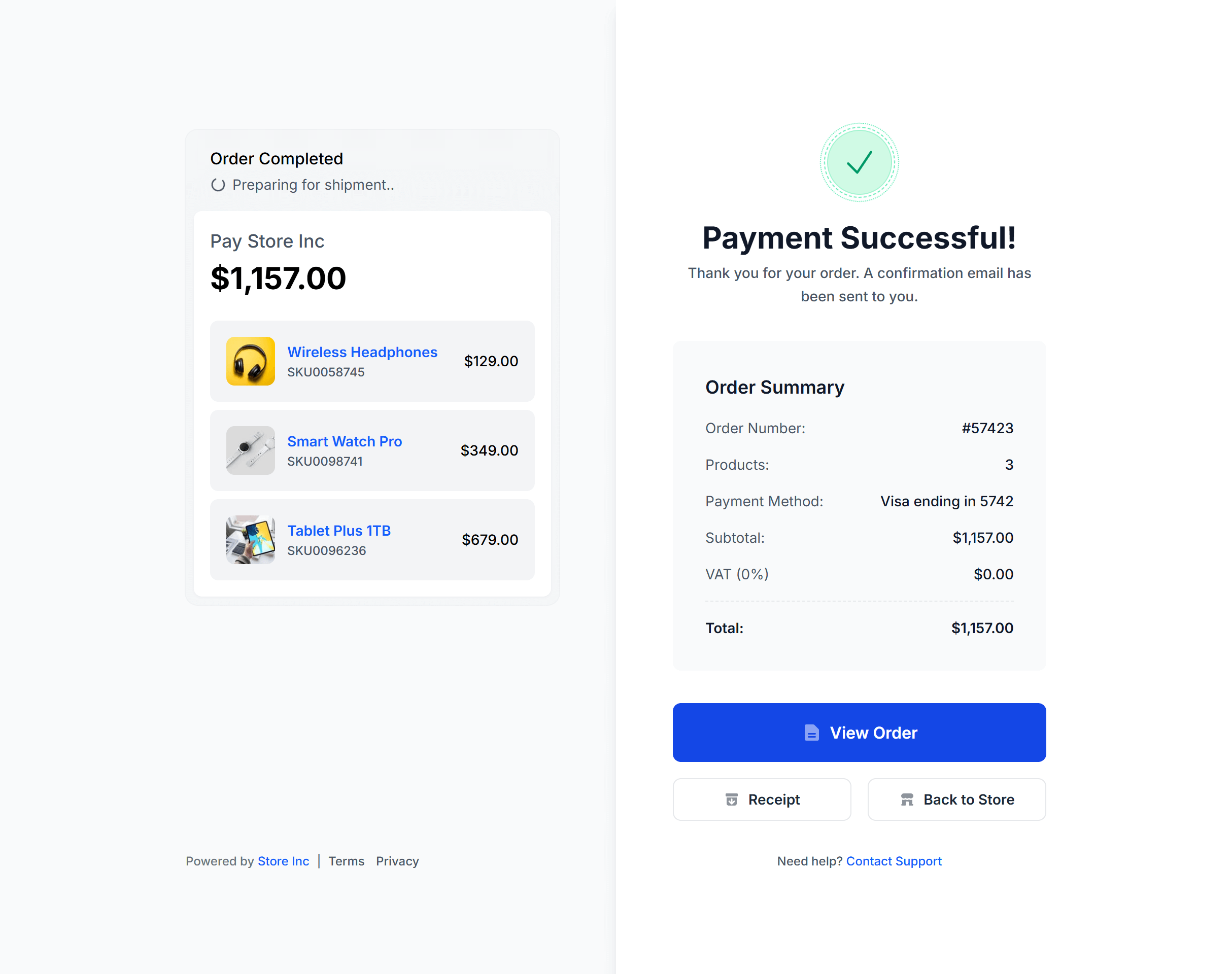
Split Success
Frequently Asked Questions
Let’s have a better look into Tailwind CSS Checkout.
Do these components handle payment processing?
No. These are front-end UI components focused on layout and form structure. For actual payment processing, integrate a provider like Stripe, Braintree, or PayPal and connect their SDK to the form elements these components provide.
How do I handle address autocomplete?
Pair the address form fields with a service like Google Places Autocomplete or Mapbox Address Autofill. When a user starts typing, the service suggests matching addresses and populates the remaining fields. The form inputs use standard name and id attributes that these services hook into without structural changes.
How do I support guest checkout?
Let users enter a shipping and billing address without requiring account creation. Offer an optional "Create an account" checkbox near the end of the flow that pre-fills the email they already provided. Guest checkout removes a significant friction point. You can always prompt for account creation on the confirmation page after the sale is complete.

2,000+ handcrafted snippets.
Now in your AI editor.
Build modern web apps and websites with Tailkit's huge collection of Tailwind components, templates and tools. Now available through our MCP Server.