Tailwind CSS Product Reviews
There are 4 available components in this category, preview them all!
Simple Boxed
Multiple with Form

Multiple with Summary

Boxed with Avatar

Frequently Asked Questions
Let’s have a better look into Tailwind CSS Product Reviews.
How are star ratings rendered?
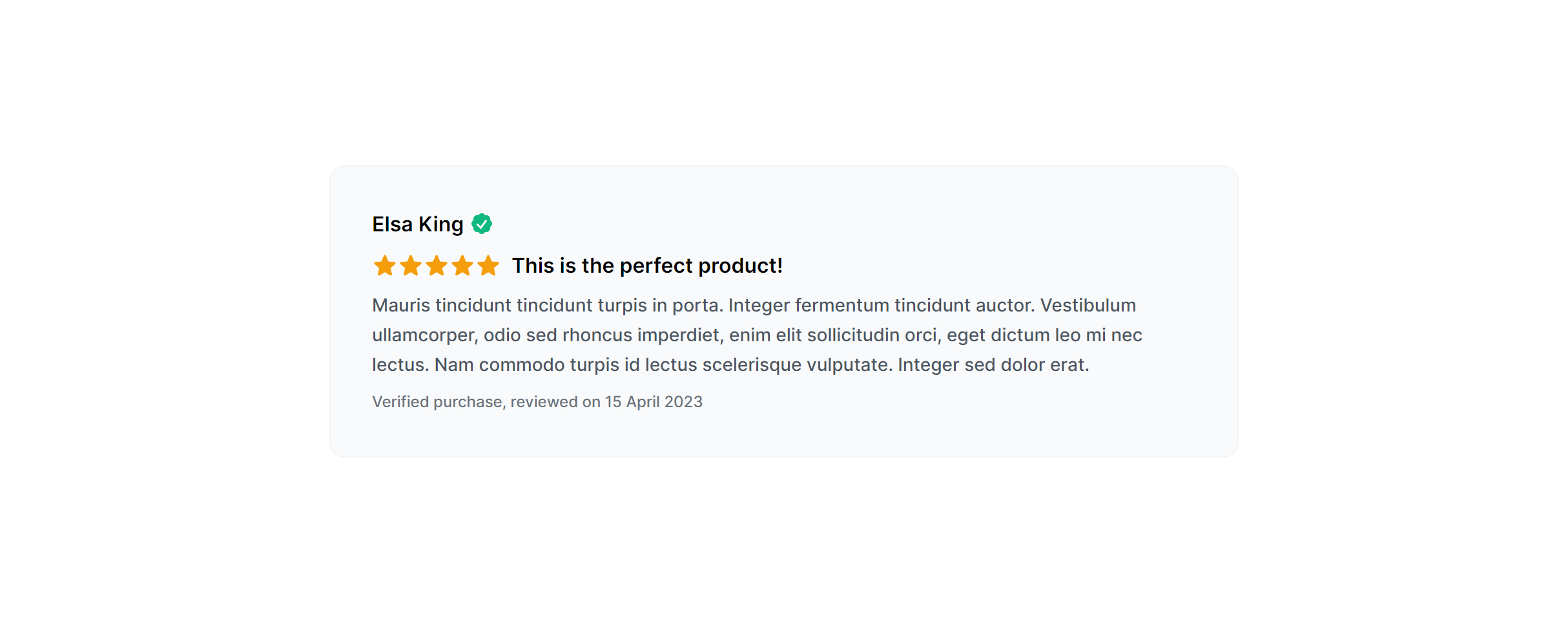
Star ratings use SVG icons styled with Tailwind color utilities. Filled, empty, and half-star states are all represented visually. You control the rating value through your data. In React or Vue, loop over the star count and conditionally apply the filled or empty class.
How does the review distribution summary work?
The summary section shows an overall average rating alongside a horizontal bar chart breaking down how many reviews fall into each star level. Bar widths are set as percentages based on your data. Update the width values and counts from your database and the visual distribution reflects your actual ratings.
How do I add structured data for reviews?
Add JSON-LD with Schema.org Product markup that includes aggregateRating and individual Review entries. This lets search engines display star ratings and review counts directly in results. Include the rating value, review count, and best/worst rating fields so the rich snippet renders correctly.

2,000+ handcrafted snippets.
Now in your AI editor.
Build modern web apps and websites with Tailkit's huge collection of Tailwind components, templates and tools. Now available through our MCP Server.