Tailwind CSS CTA
There are 17 available components in this category, preview them all!
Simple

Simple Dark

Simple with Logo
Simple with Illustration

Simple Boxed

Boxed Brand

Boxed Brand with Image

Featured Image

Featured Image Alternate

Simple Box Dark

Simple Box Dark with Shapes

Box with Image

Box with Image and Email

With Features
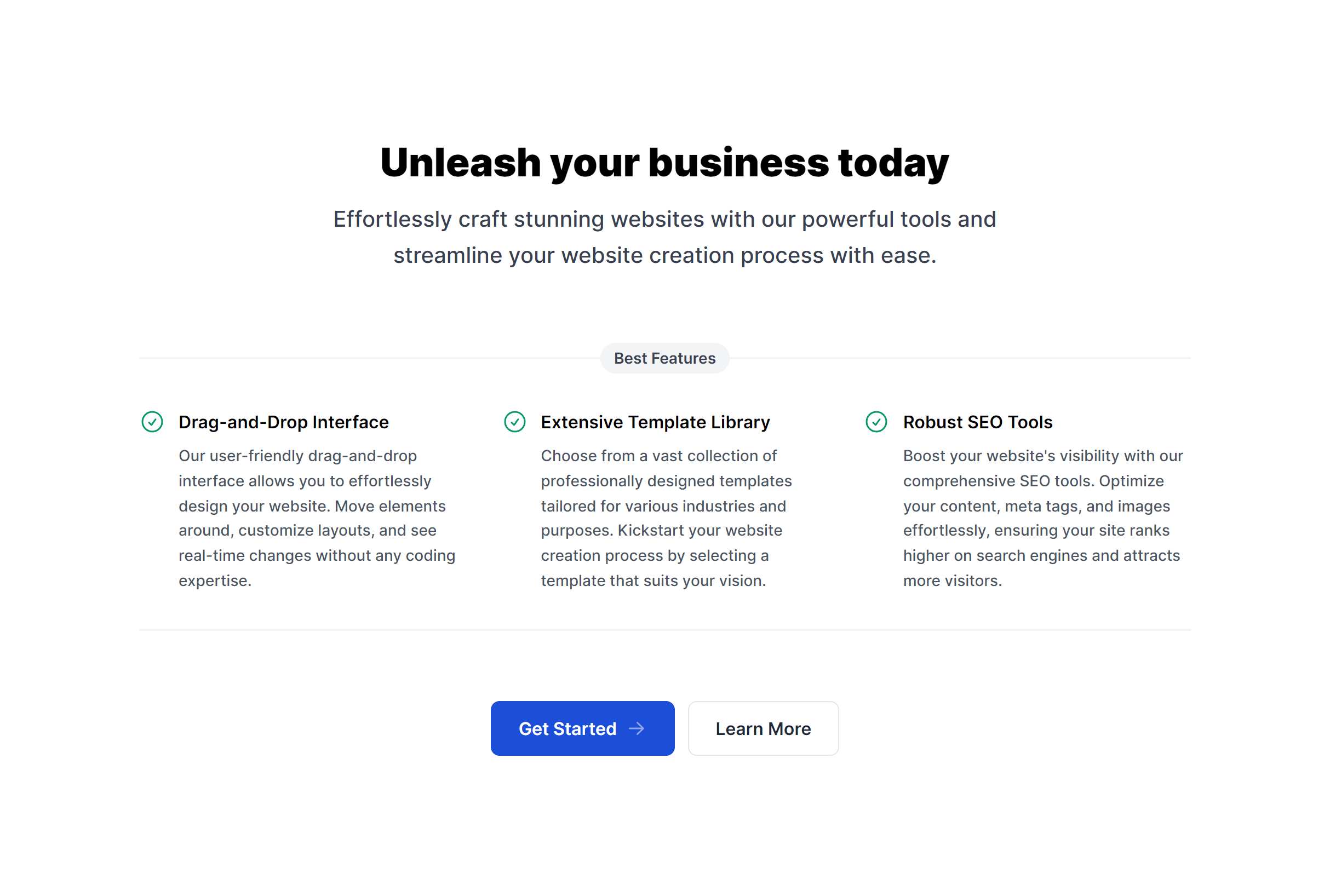
With Features and Image
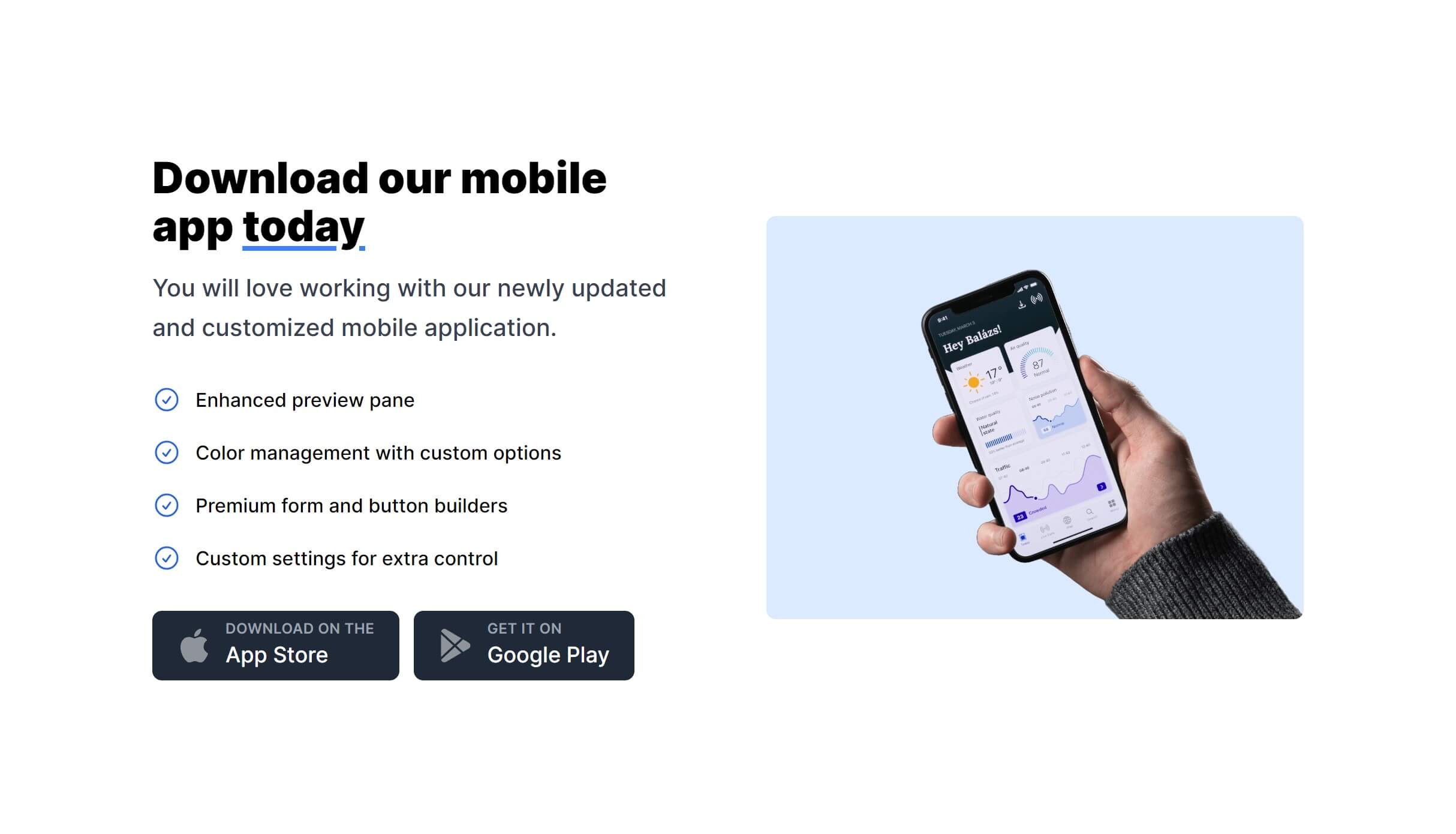
With Social Proof

Box with Inner Gradient

Frequently Asked Questions
Let’s have a better look into Tailwind CSS CTA.
Where should I place CTA sections on a page?
The most effective placements are after your features or benefits section, after social proof (testimonials or client logos), and at the bottom of the page as a final prompt. Long-scroll pages benefit from two or three CTAs positioned throughout. More than that risks feeling pushy.
How do I make a CTA section stand out from surrounding content?
Use a contrasting background color or gradient that differs from adjacent sections. A dark section between light ones naturally draws attention. Make the button prominent and use action-oriented label text like "Start free trial" or "Get started today" rather than generic labels like "Learn more" or "Submit."

2,000+ handcrafted snippets.
Now in your AI editor.
Build modern web apps and websites with Tailkit's huge collection of Tailwind components, templates and tools. Now available through our MCP Server.