v5.0 launch sale - limited time offer!
Tailwind CSS Pricing
There are 13 available components in this category, preview them all!
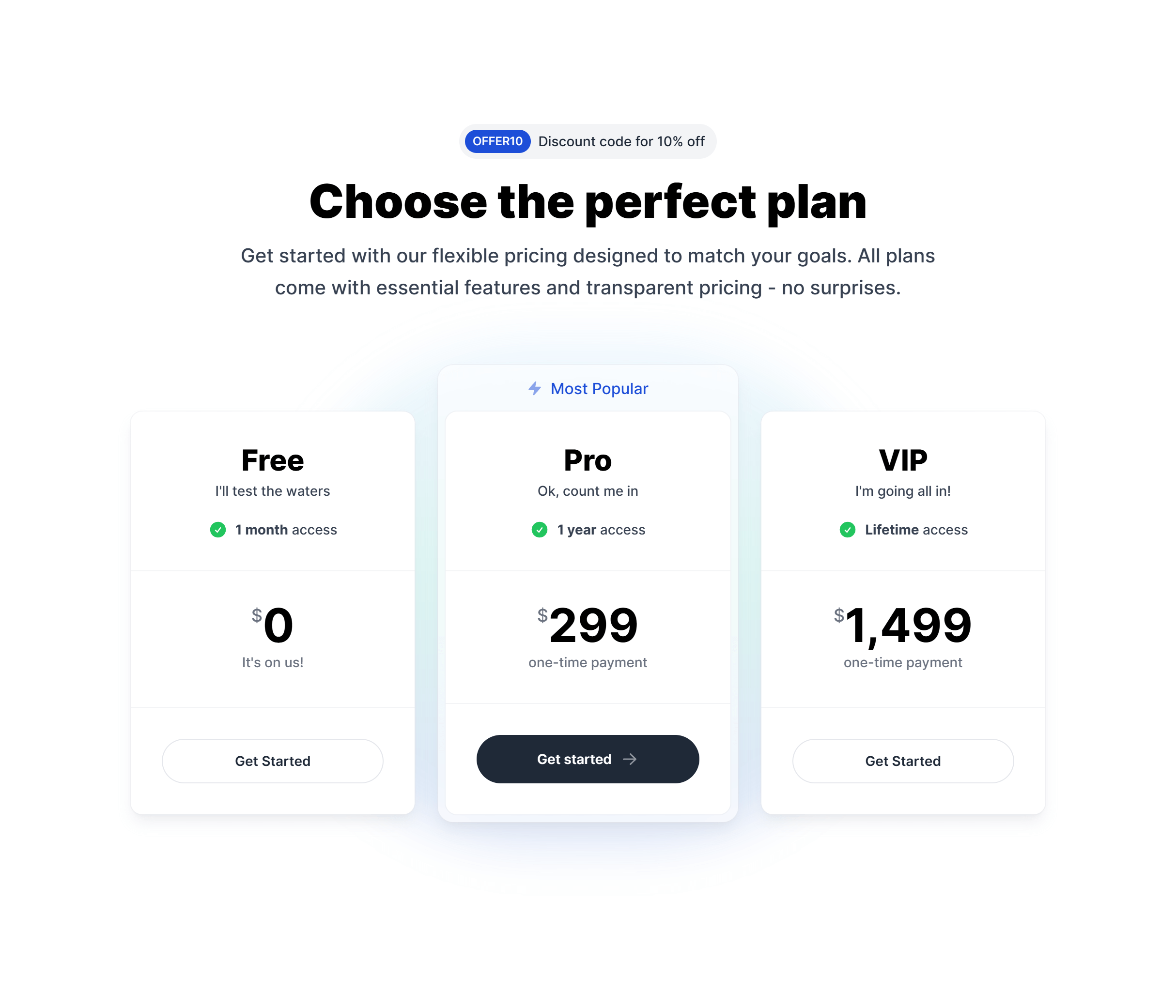
Boxed Glass
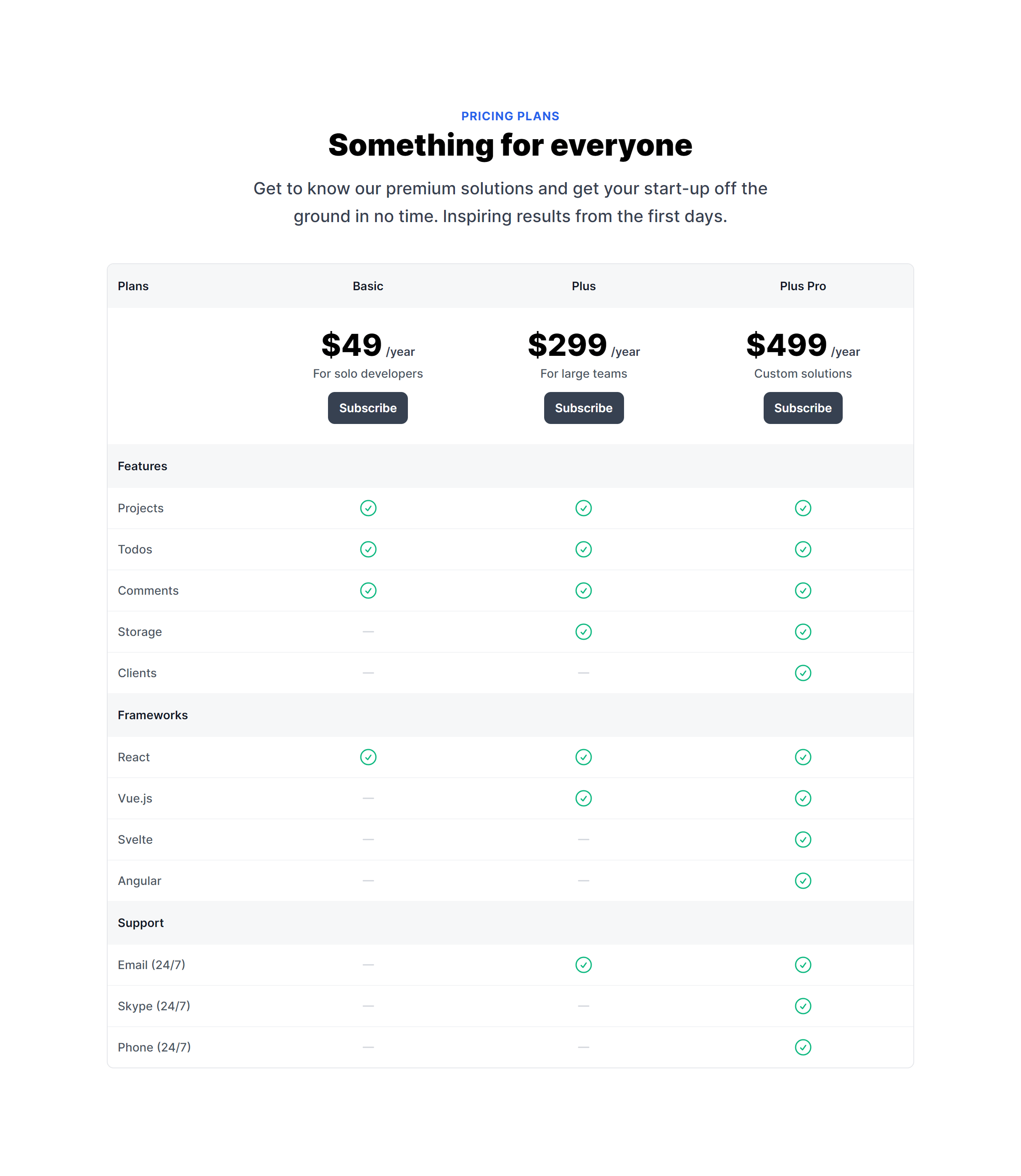
Table
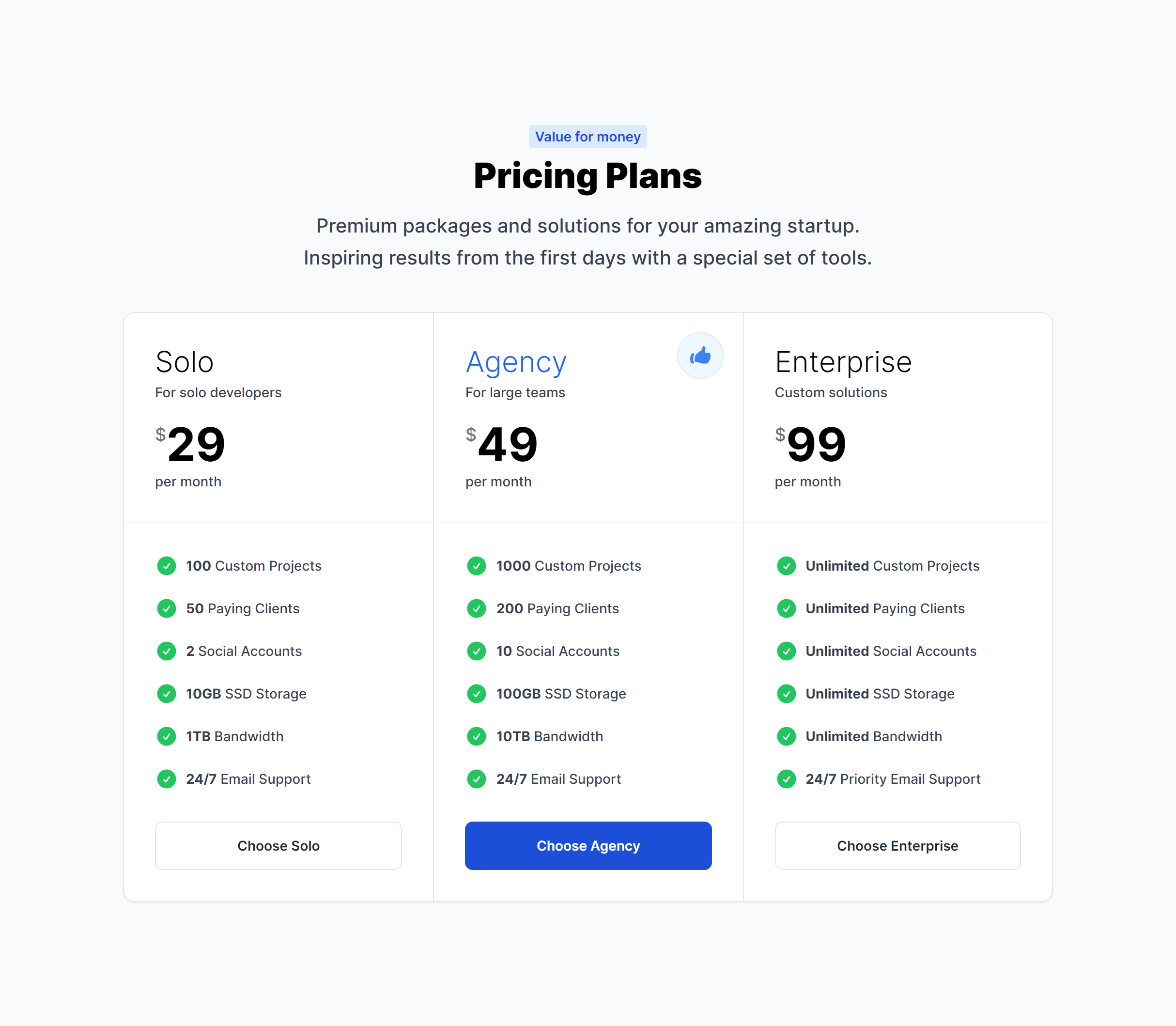
Clean with Features
Subtle Gradients with Featured Plan
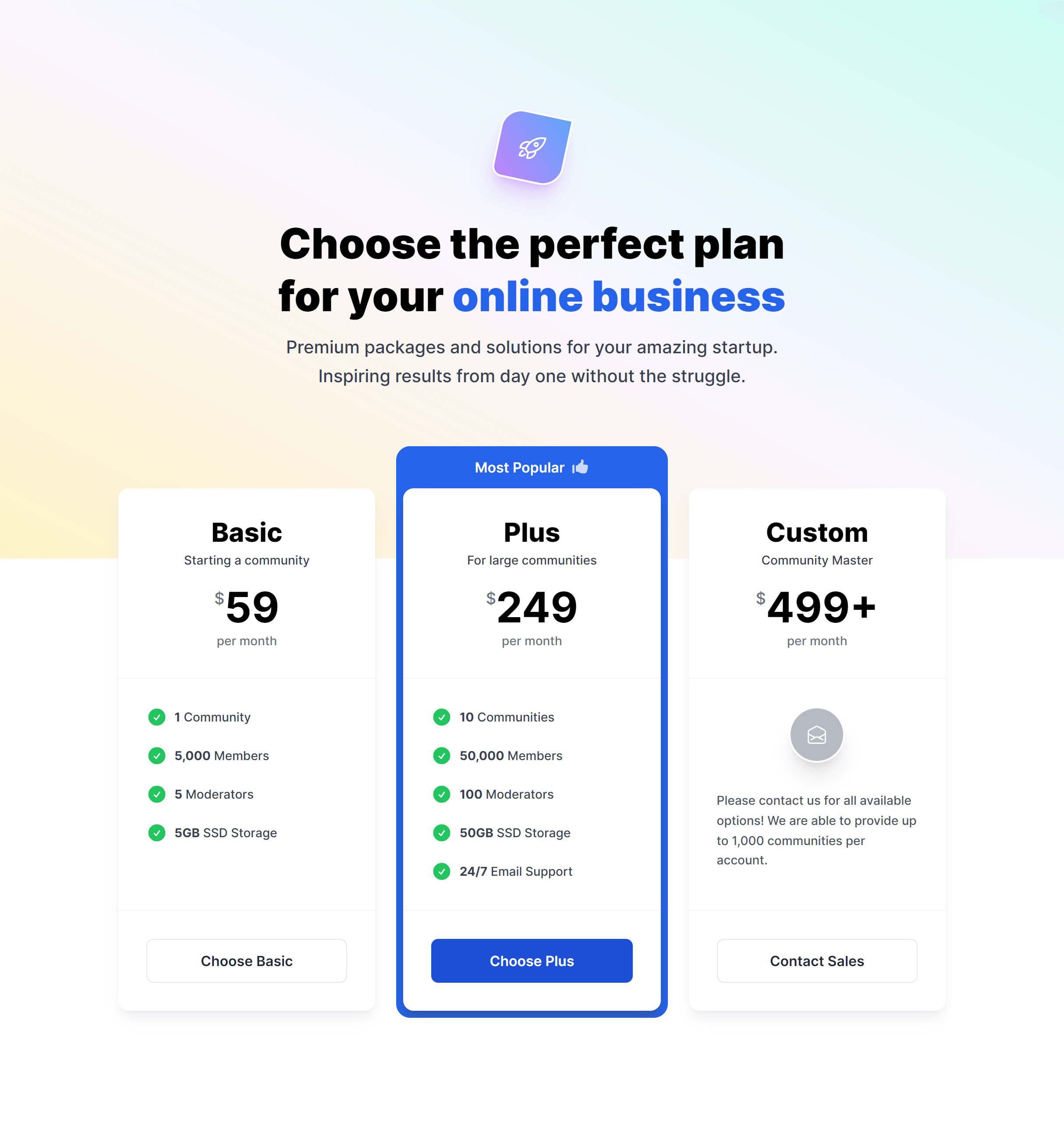
Subtle Gradients with Mini Boxes

Features Under Purchase Action
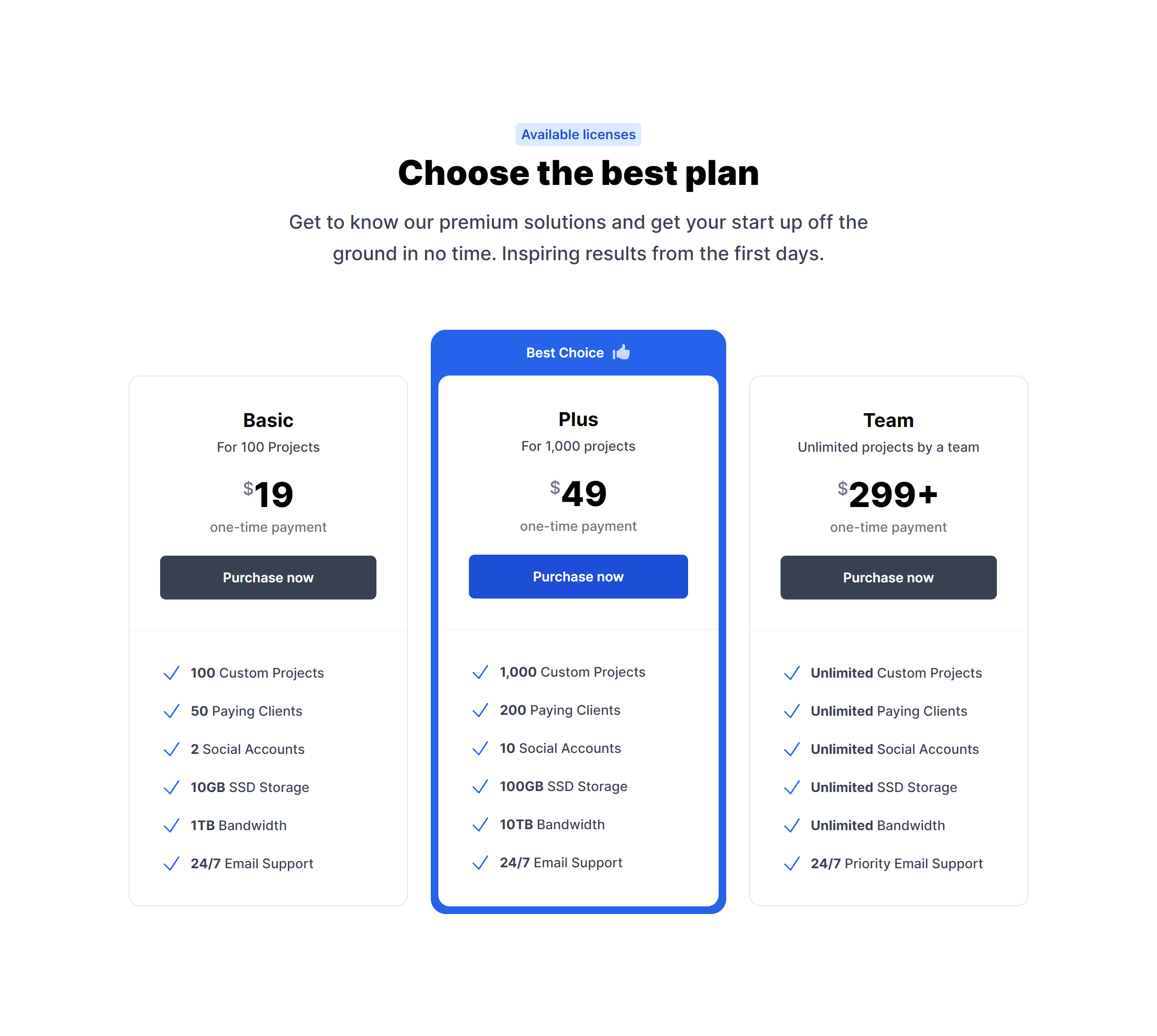
With Growing Features List
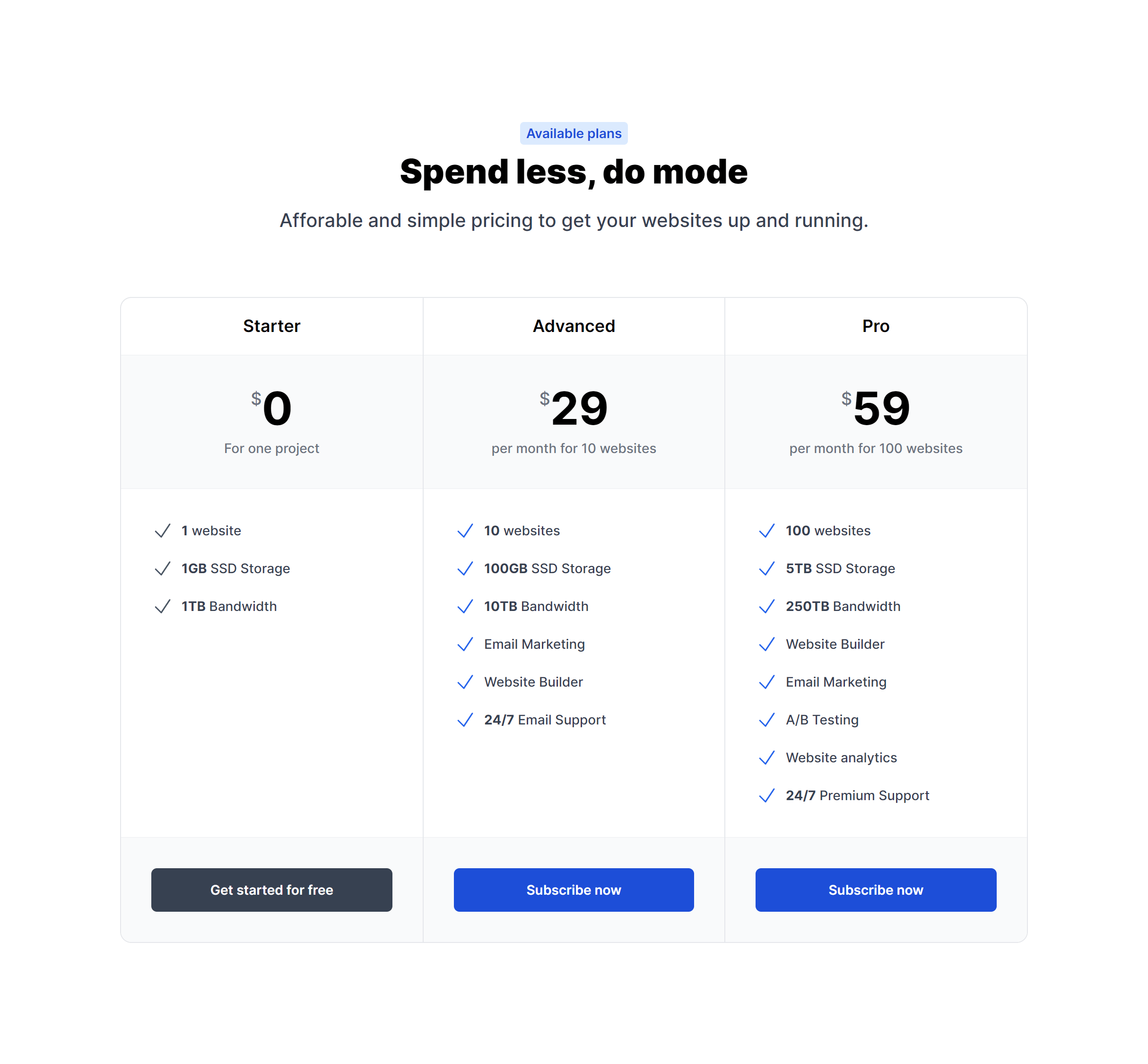
Simple
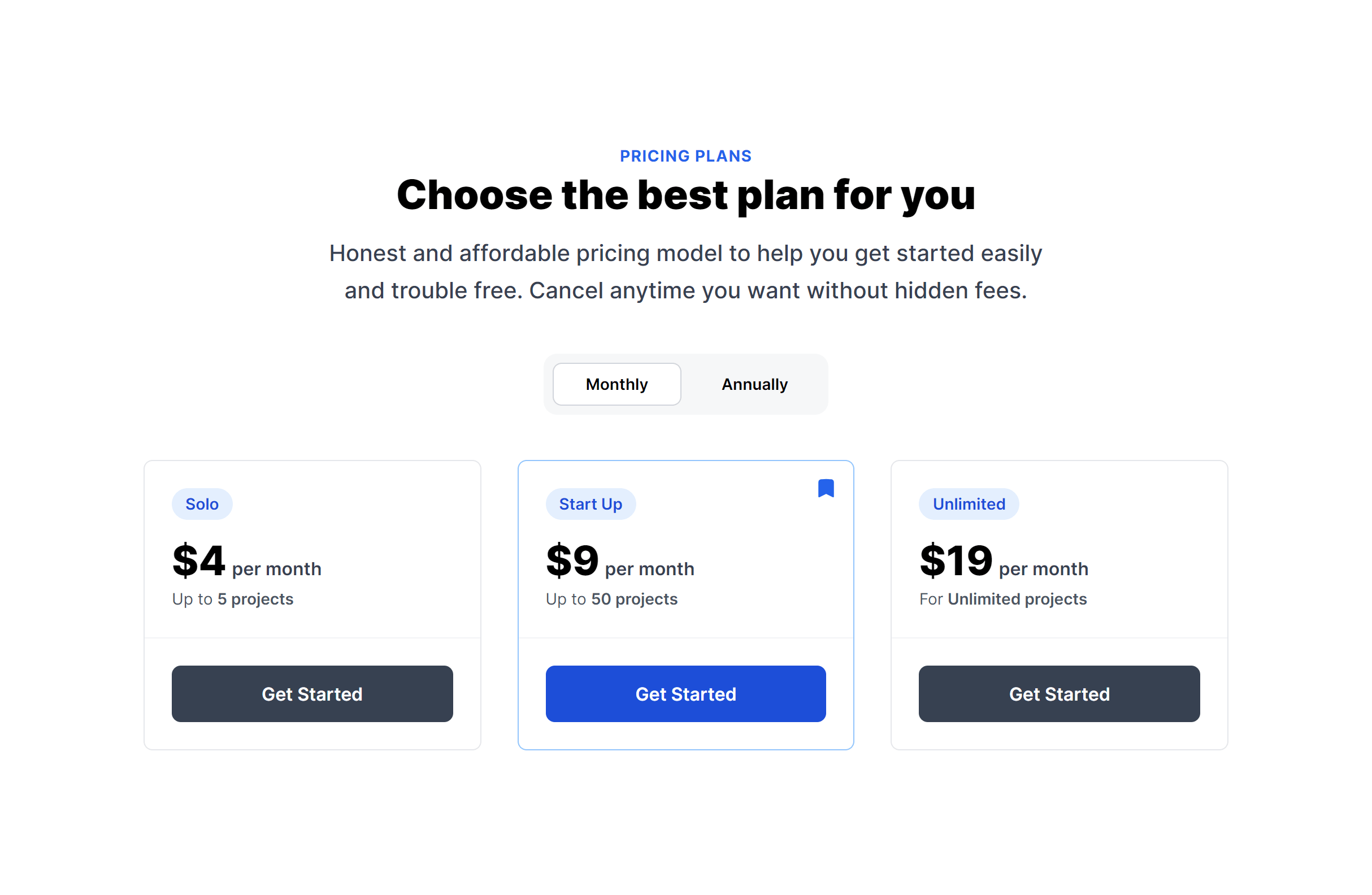
With Features
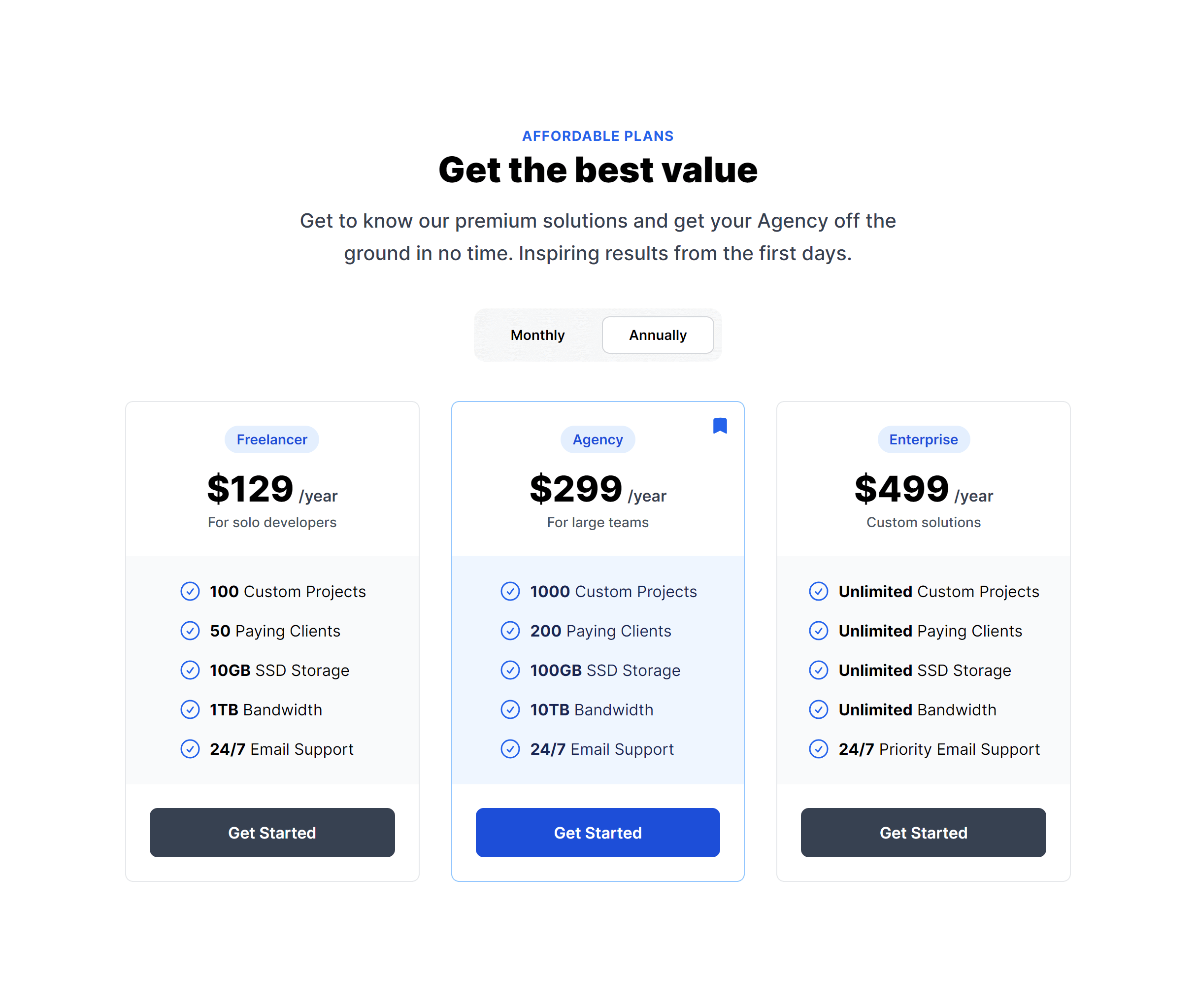
To The Side
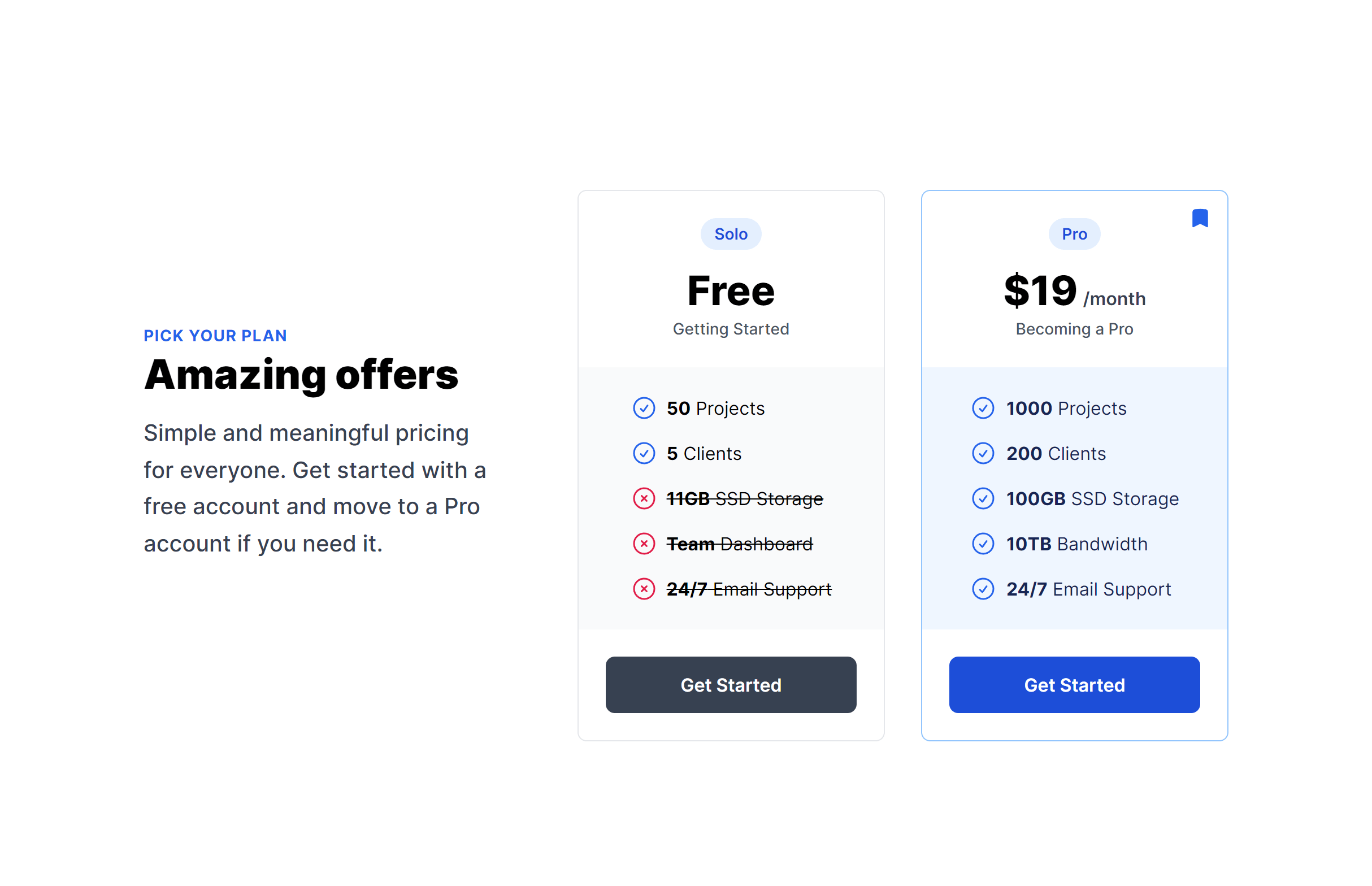
Alternate
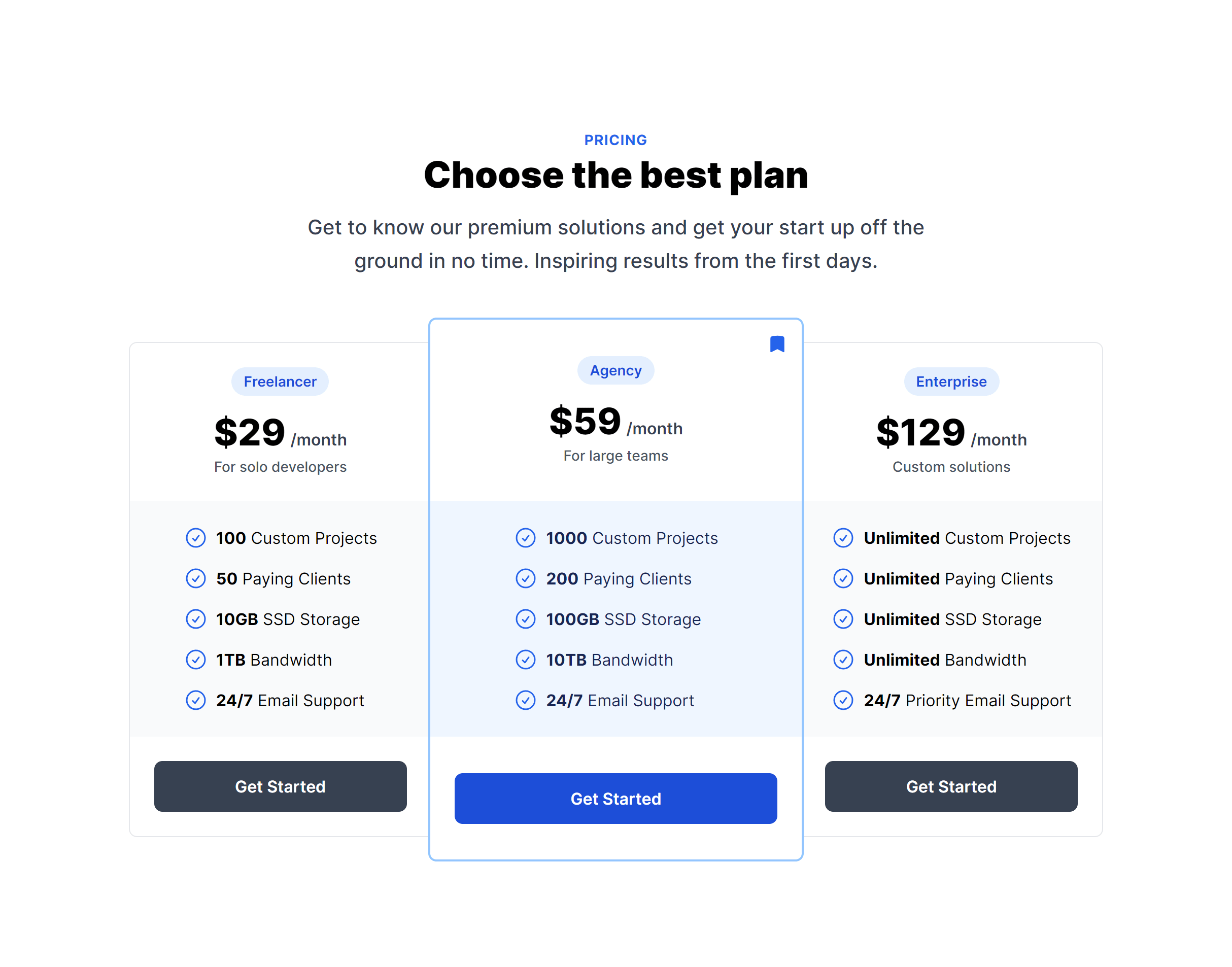
Single Payment Option
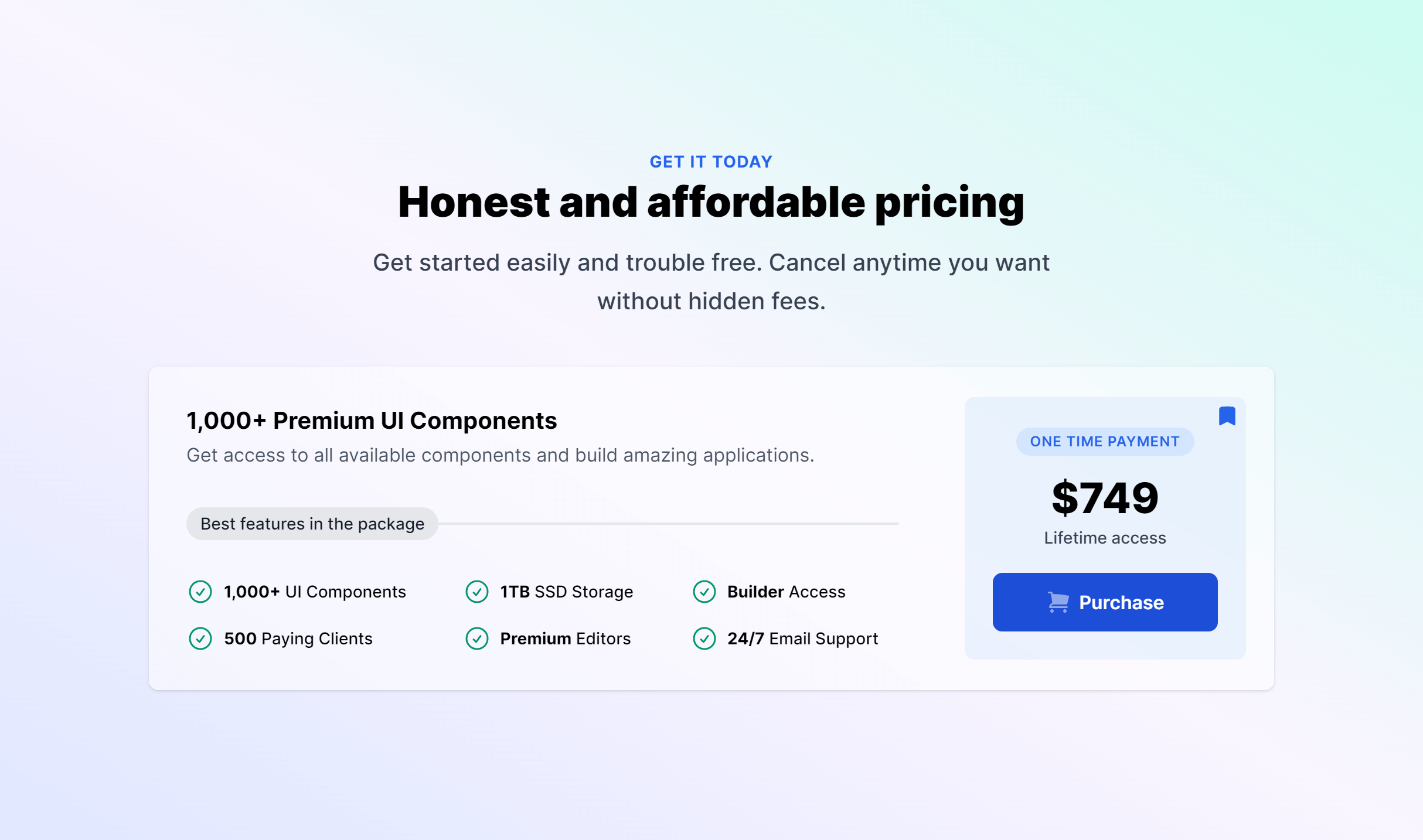
Mini Boxes

Frequently Asked Questions
Let’s have a better look into Tailwind CSS Pricing.
How do I implement a billing period toggle?
Several variants include a switch that swaps displayed prices between monthly and annual billing. Wire the toggle to a JavaScript state variable that conditionally shows the matching price values. Both price sets are in the markup; you toggle their visibility.
How many pricing tiers should I display?
Three tiers is the most effective default. It gives visitors a clear low, mid, and high option with an obvious recommended choice in the middle. Two tiers work for simpler products. Four can work if the plan distinctions are genuinely meaningful. The key is keeping comparisons quick. If visitors need to study a feature matrix to understand the difference, simplify the tiers.
Should I show prices or use "Contact us" for enterprise plans?
Showing prices reduces friction and self-qualifies buyers. Use transparent pricing for plans where the value is clear and the price point is accessible. For enterprise or custom plans with variable pricing, a "Contact sales" CTA is standard. Some companies show a starting price ("From $X/mo") alongside the contact option to set expectations.

2,000+ handcrafted snippets.
Now in your AI editor.
Build modern web apps and websites with Tailkit's huge collection of Tailwind components, templates and tools. Now available through our MCP Server.