Tailwind CSS Two Factor
There are 6 available components in this category, preview them all!
Boxed
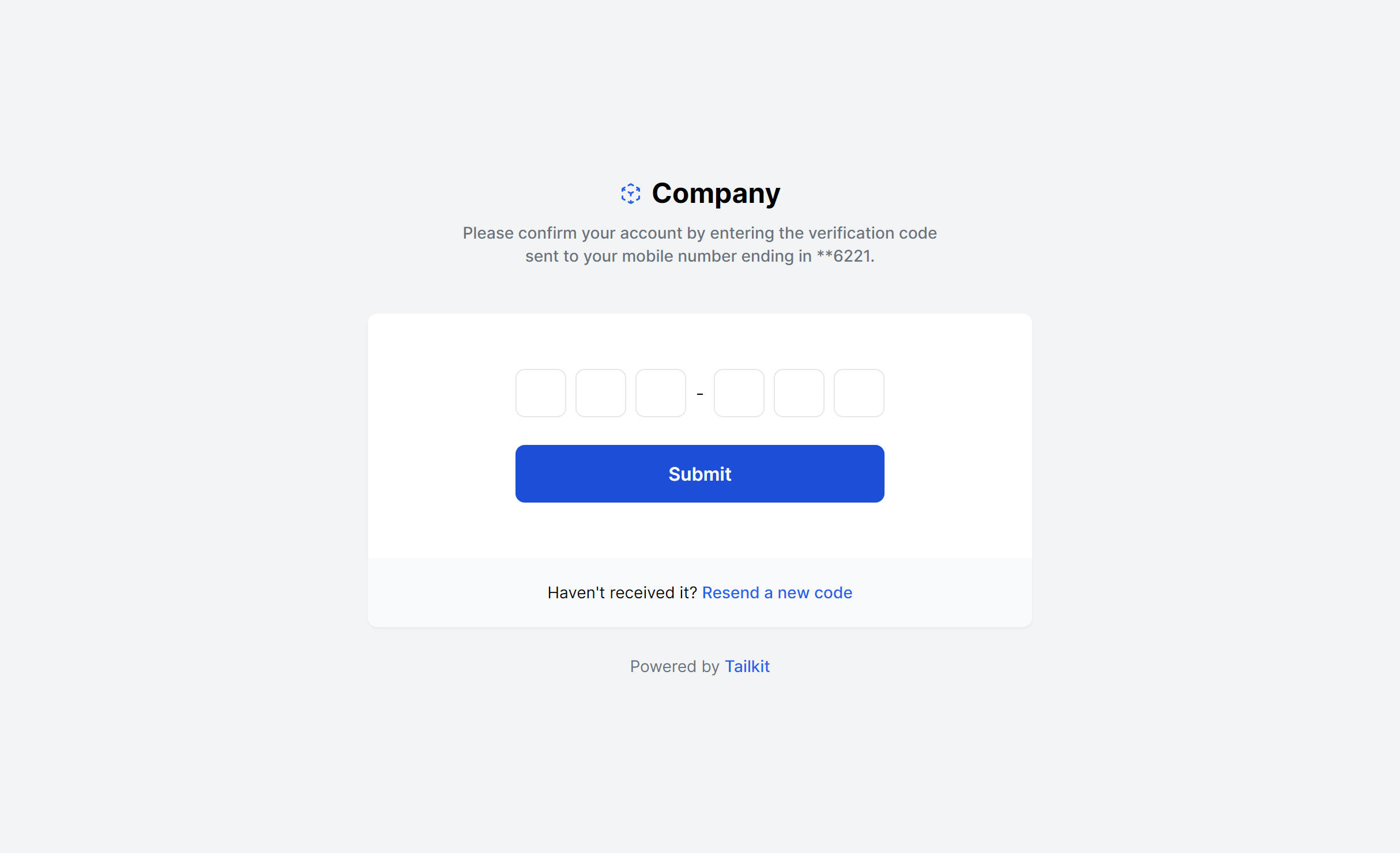
With Image
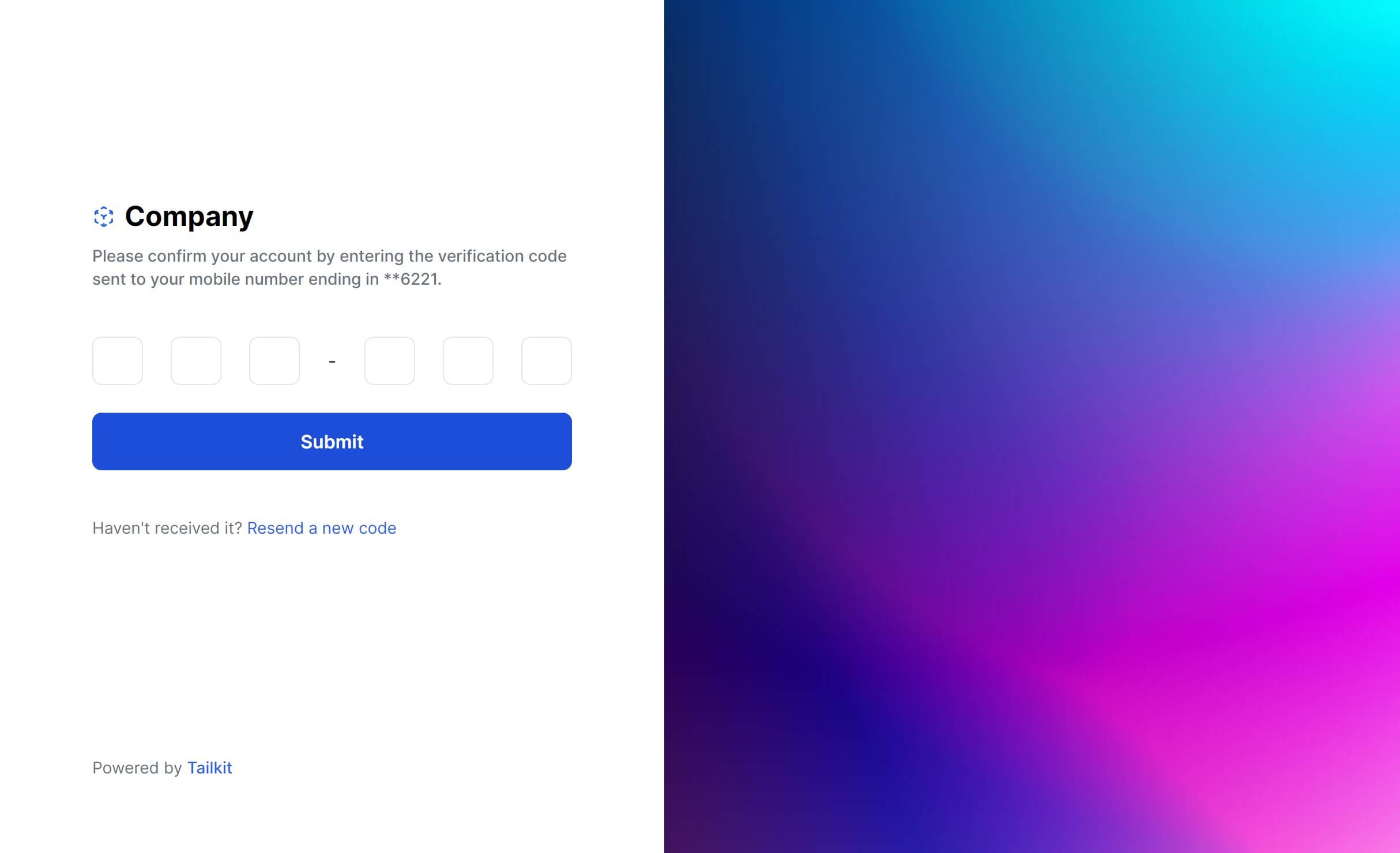
Boxed Alternate
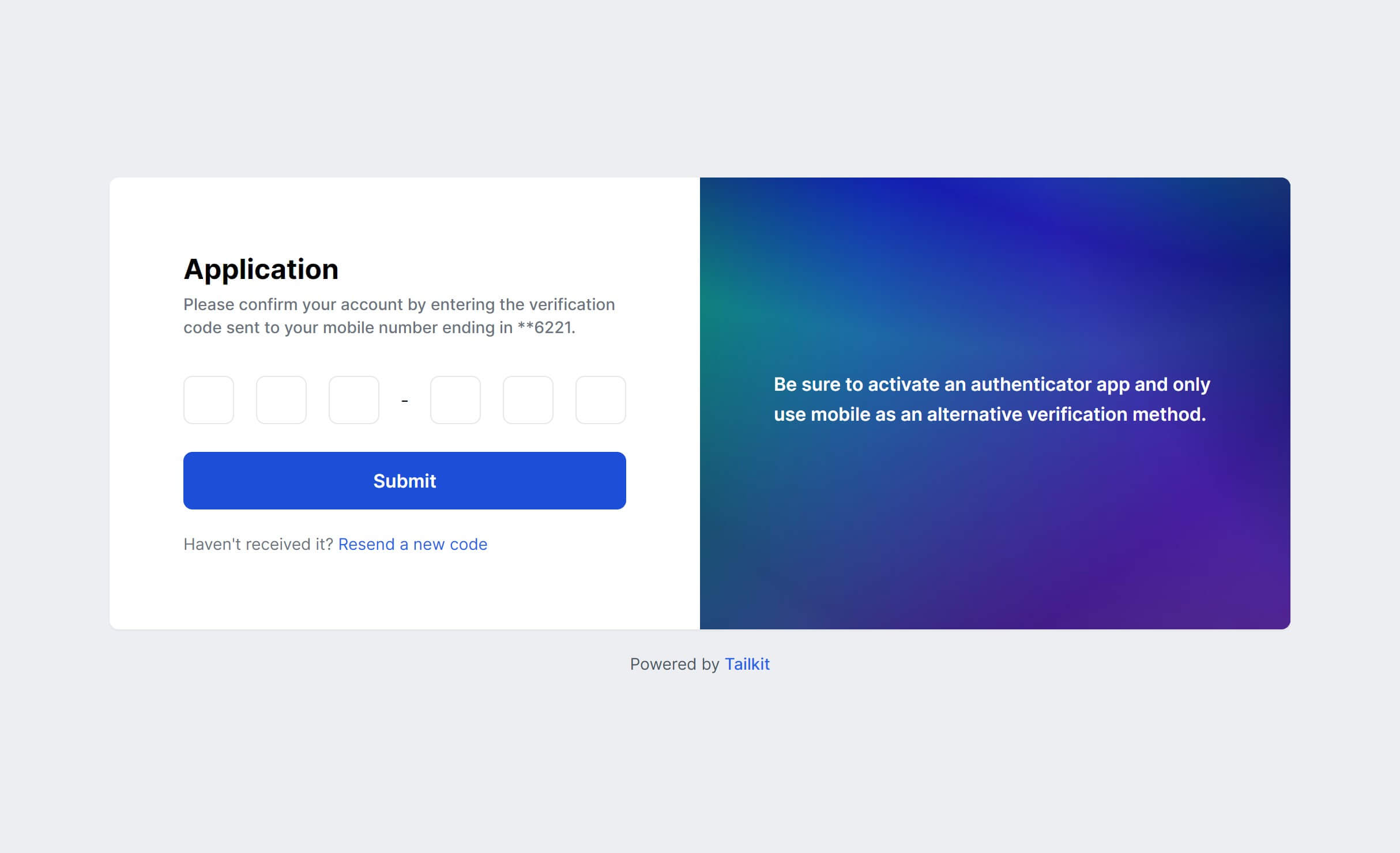
Boxed Simple
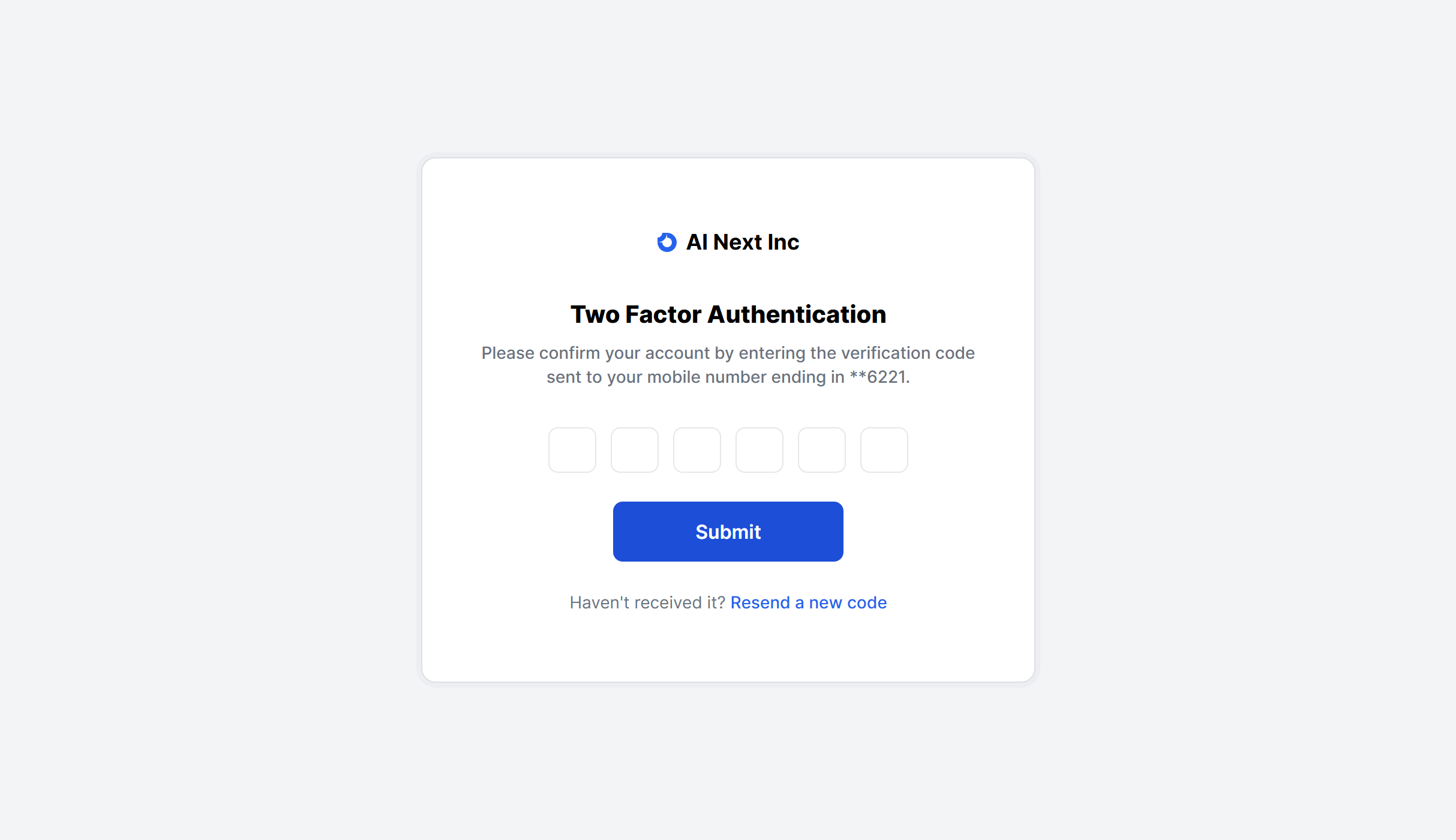
With Image Alternate
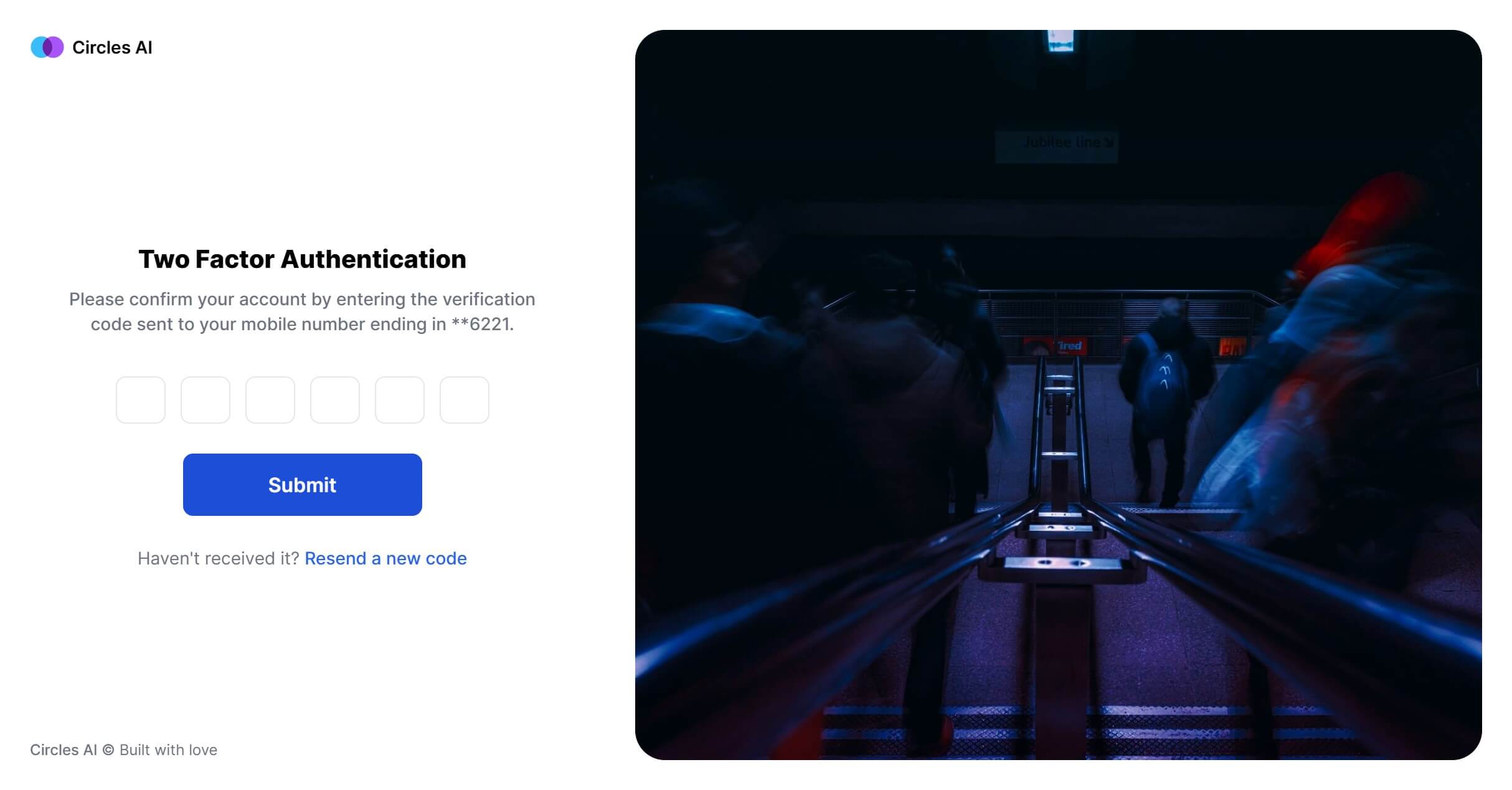
Boxed Glass
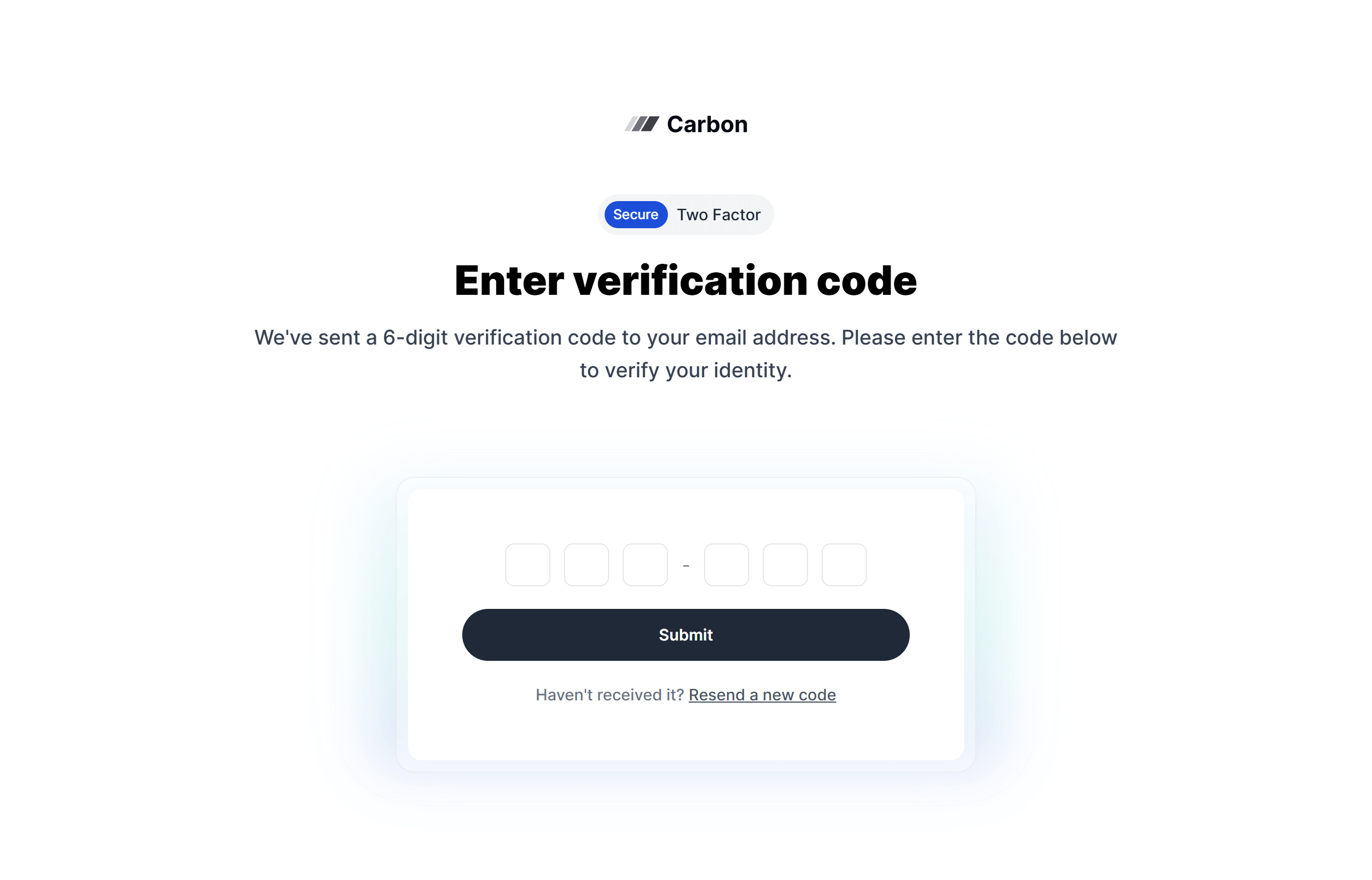
Frequently Asked Questions
Let’s have a better look into Tailwind CSS Two Factor.
How do the individual digit input fields work?
Several components use single-character input fields that auto-advance the cursor as you type. This is handled with a small amount of JavaScript (or refs in React/Vue) that listens for input events and moves focus to the next field. Pasting a full code should fill all fields at once. The styling and spacing are already set up in the components.
Should I include a "use backup code" option?
Yes. Users lose access to their authenticator apps regularly. Every layout should include a clear link to an alternative verification method, whether that's backup codes, SMS, or email verification.

2,000+ handcrafted snippets.
Now in your AI editor.
Build modern web apps and websites with Tailkit's huge collection of Tailwind components, templates and tools. Now available through our MCP Server.