Tailwind CSS Timeline
There are 15 available components in this category, preview them all!
Simple
Fully responsive design
Supports dark mode
Supports color editor
HTML code snippet
React code snippet
Vue.js code snippet
Screenshot
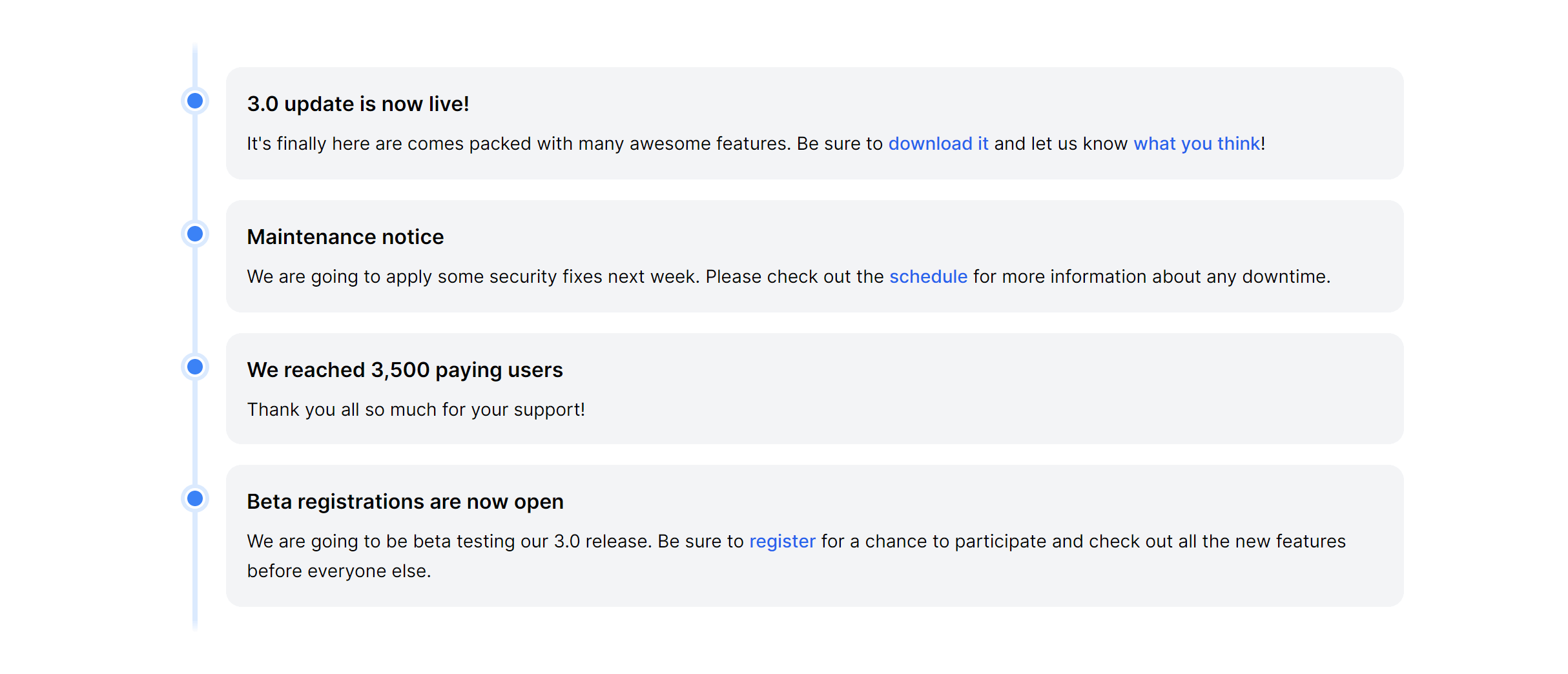
Contextual
Fully responsive design
Supports dark mode
HTML code snippet
React code snippet
Vue.js code snippet
Screenshot
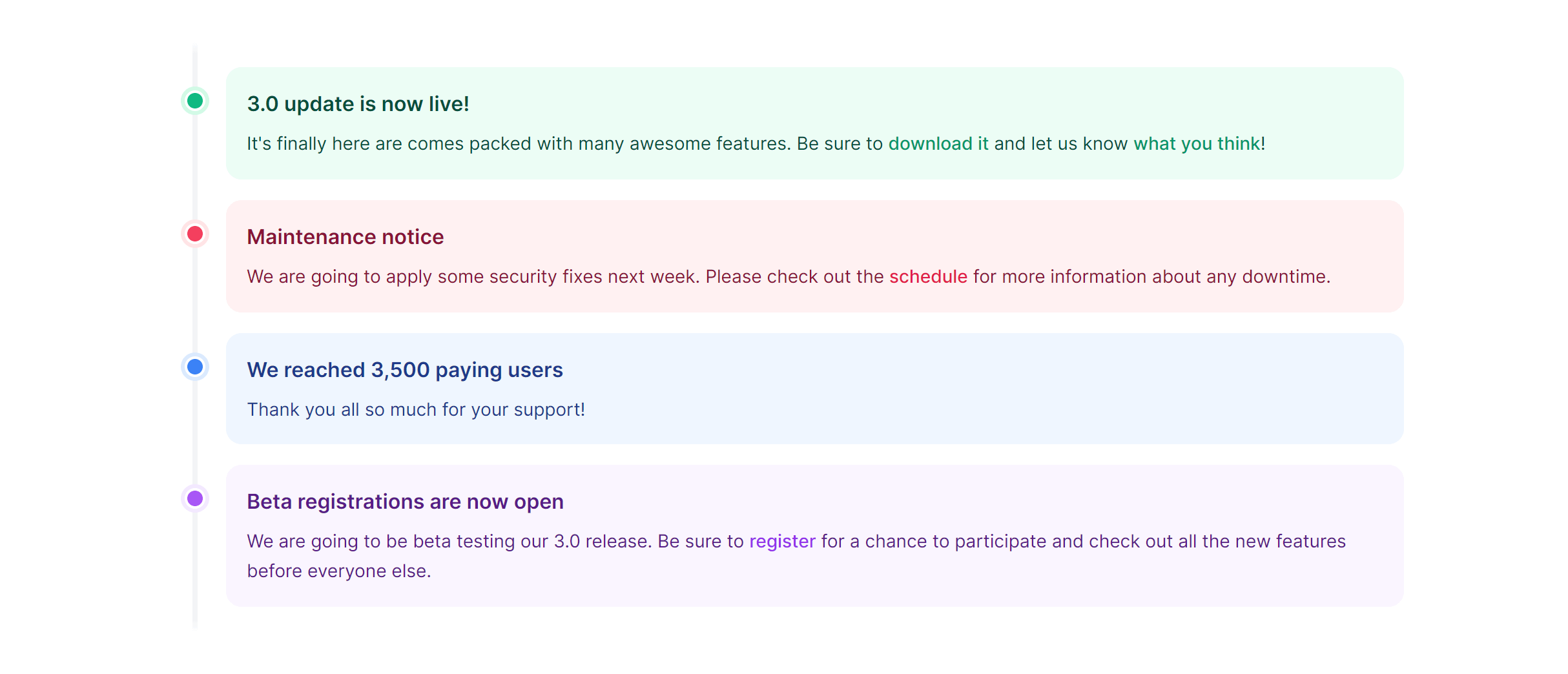
With Extra Info
Fully responsive design
Supports dark mode
Supports color editor
HTML code snippet
React code snippet
Vue.js code snippet
Screenshot
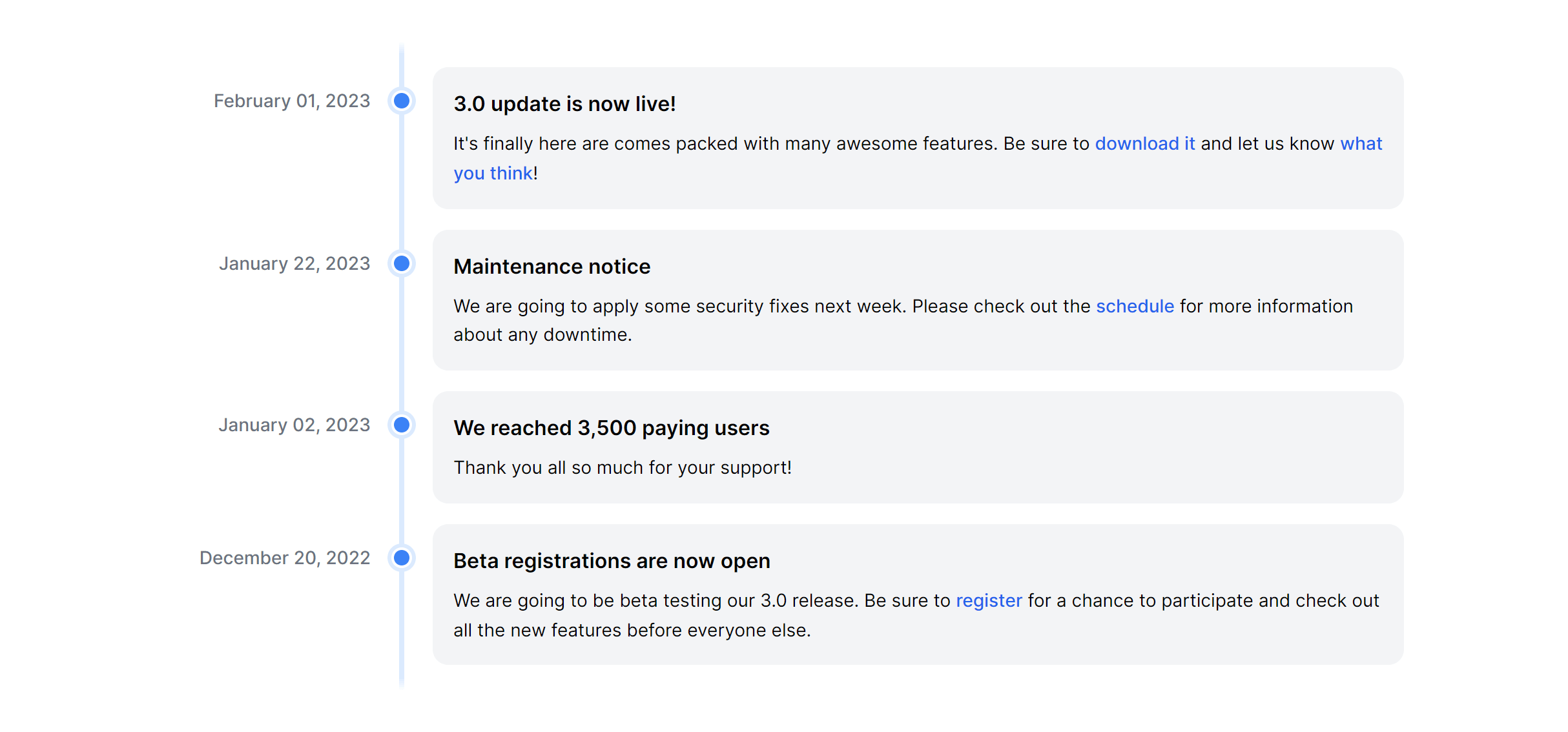
With Icons
Fully responsive design
Supports dark mode
Supports color editor
HTML code snippet
React code snippet
Vue.js code snippet
Screenshot
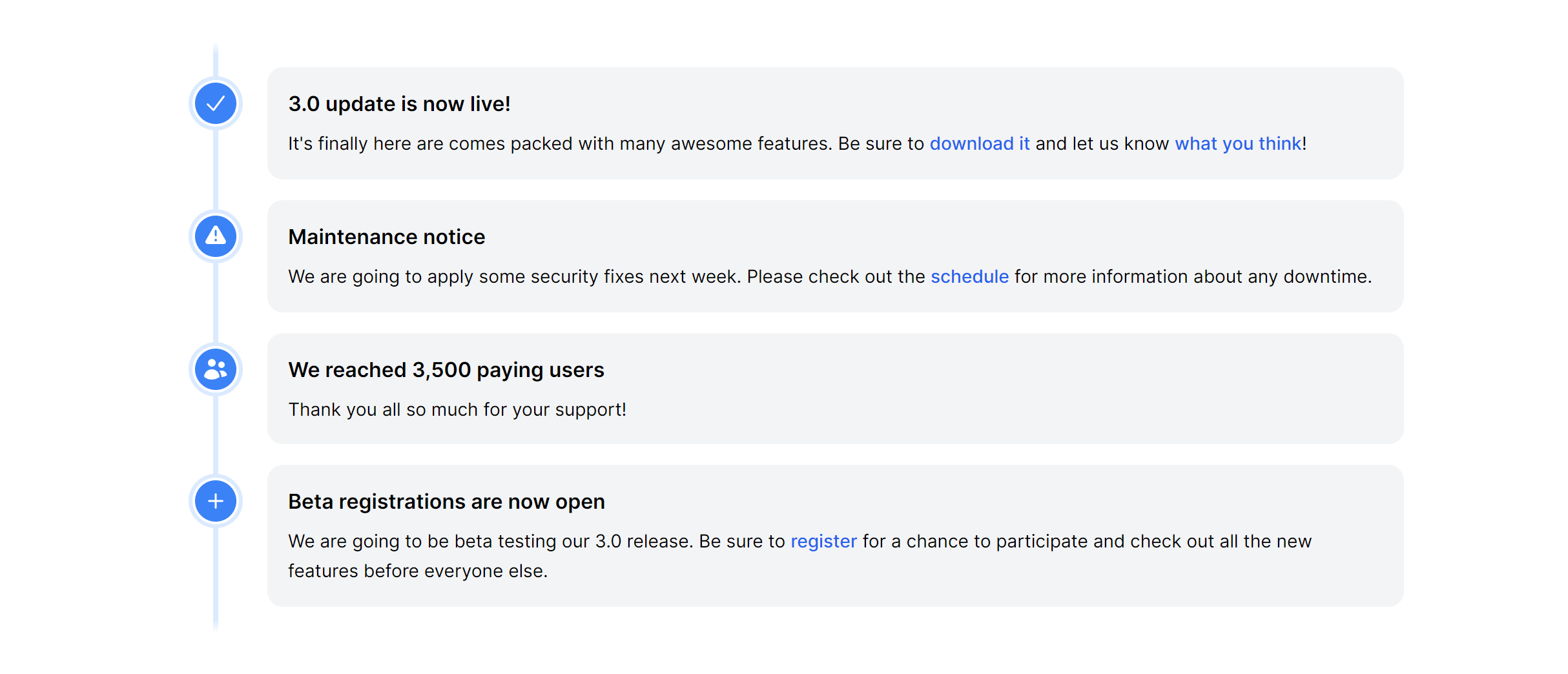
Centered Simple
Fully responsive design
Supports dark mode
Supports color editor
HTML code snippet
React code snippet
Vue.js code snippet
Screenshot
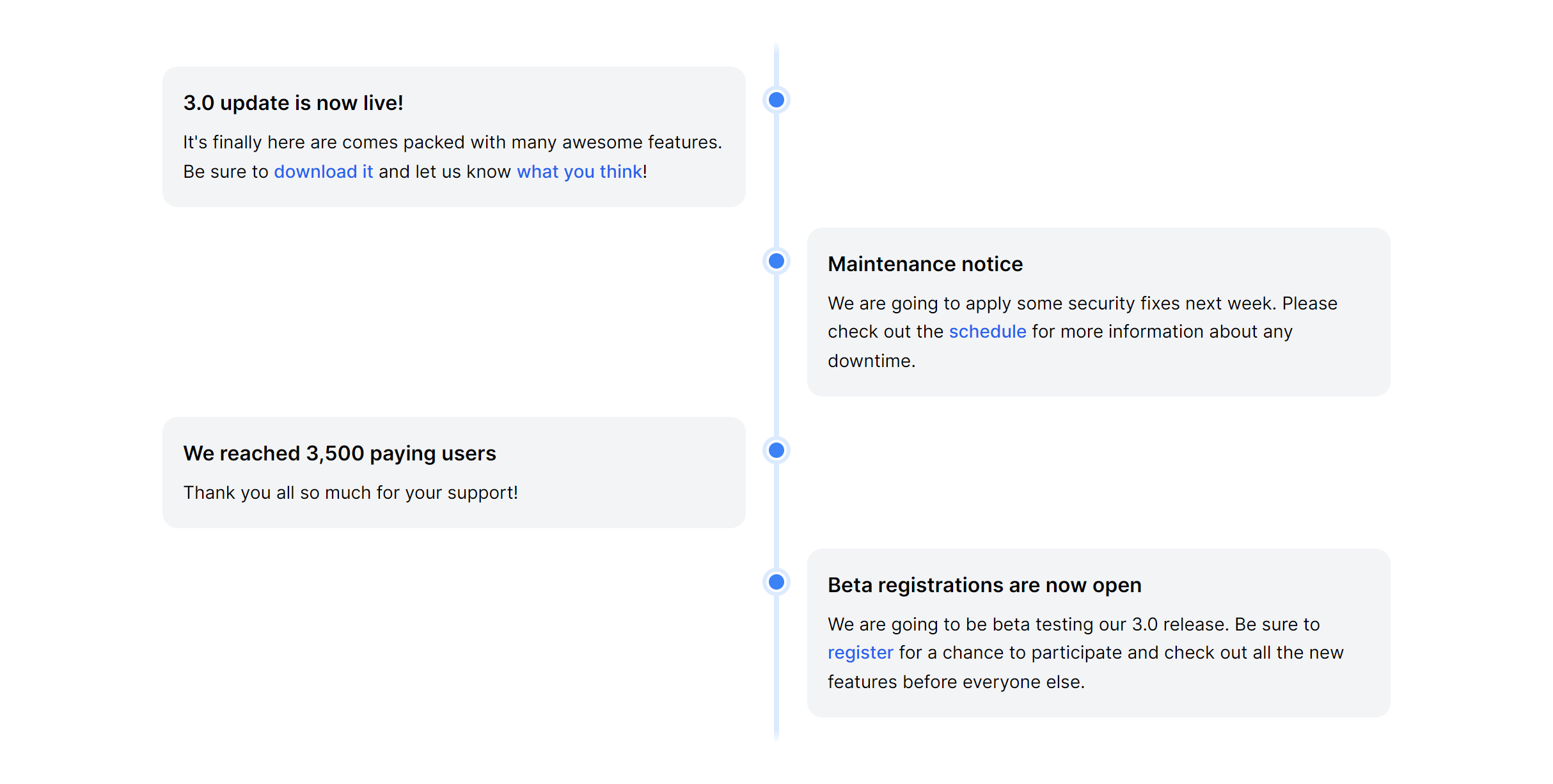
Centered Contextual
Fully responsive design
Supports dark mode
HTML code snippet
React code snippet
Vue.js code snippet
Screenshot
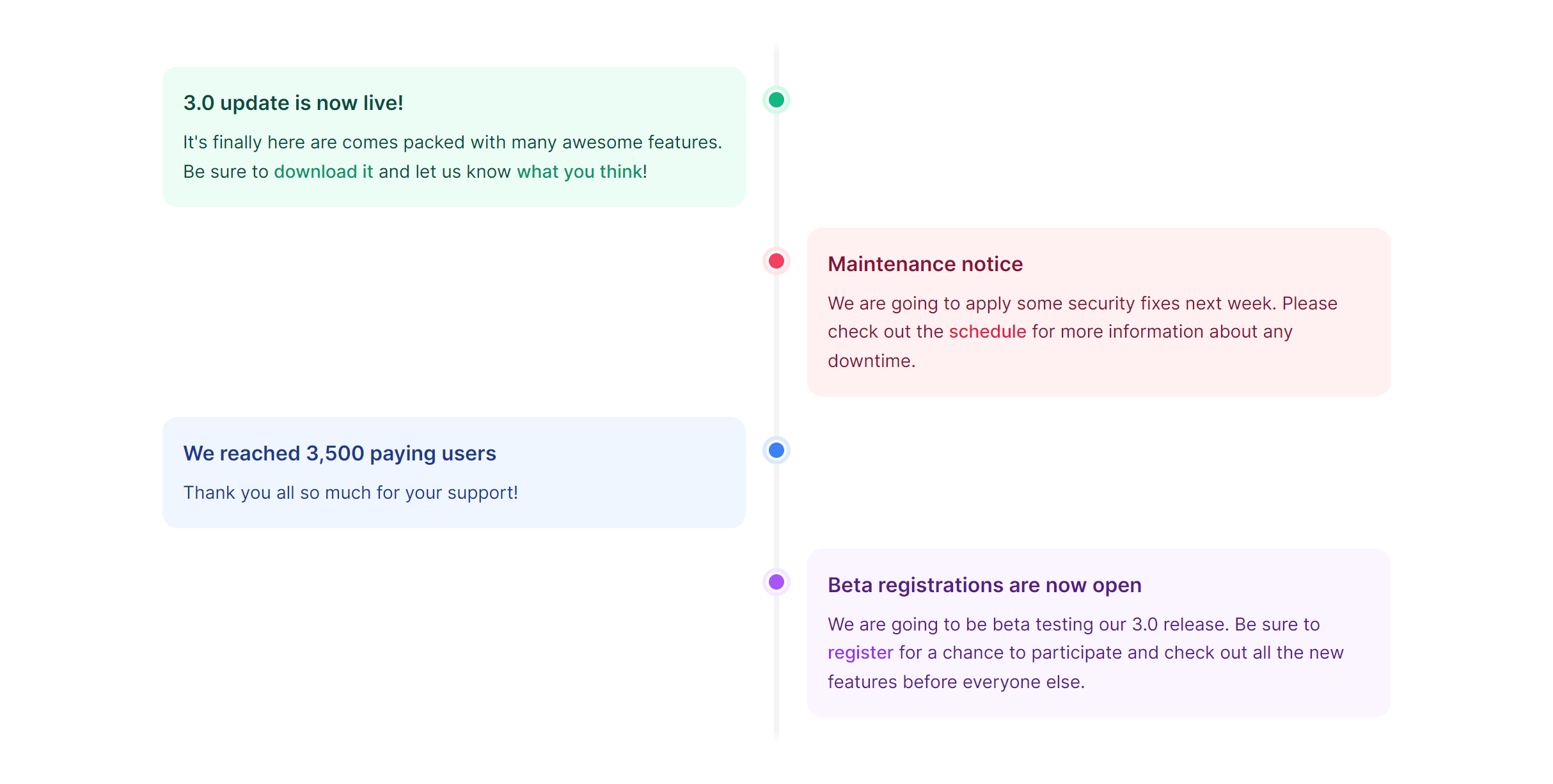
Centered with Extra Info
Fully responsive design
Supports dark mode
Supports color editor
HTML code snippet
React code snippet
Vue.js code snippet
Screenshot
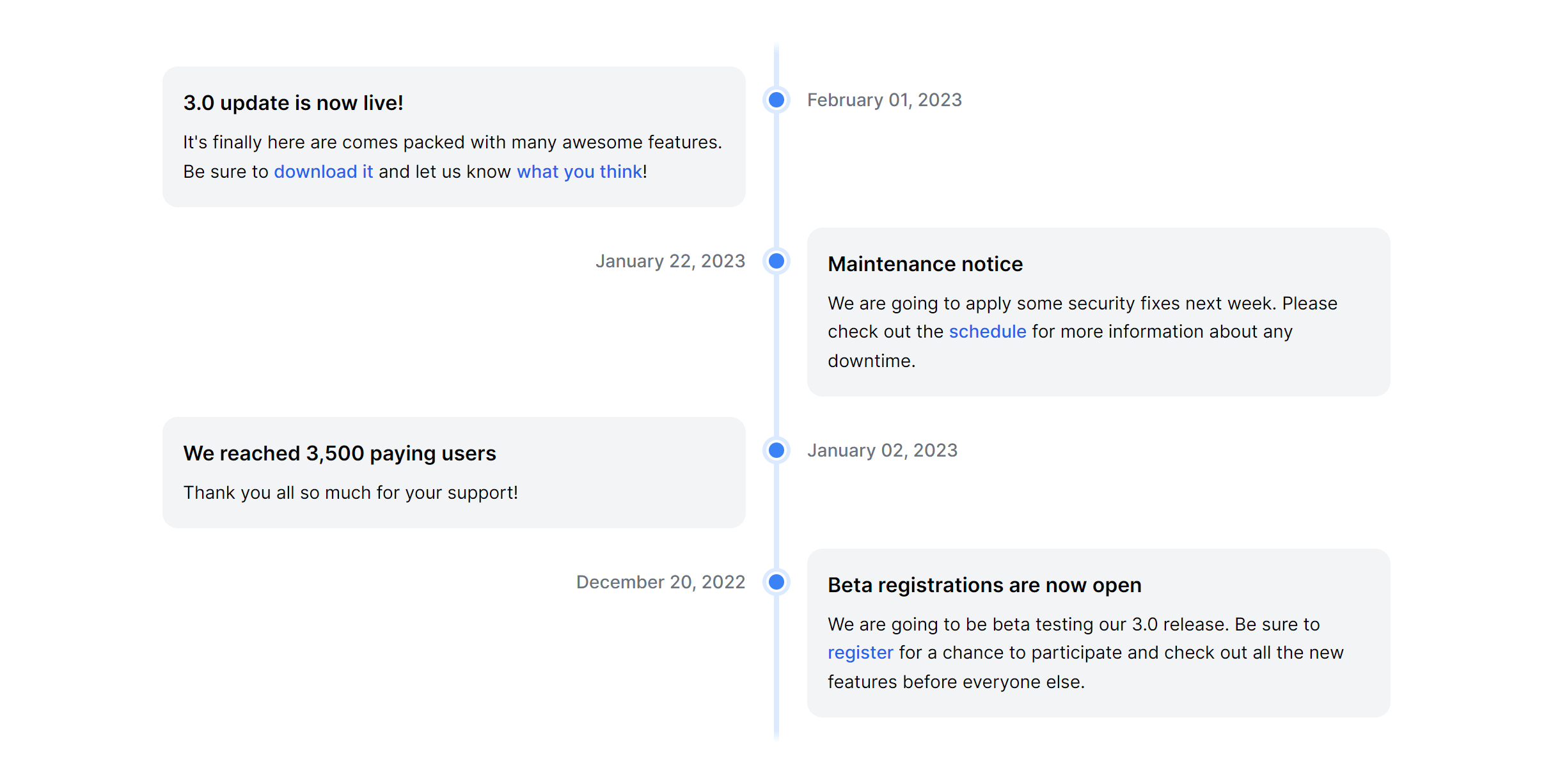
Centered with Icons
Fully responsive design
Supports dark mode
Supports color editor
HTML code snippet
React code snippet
Vue.js code snippet
Screenshot
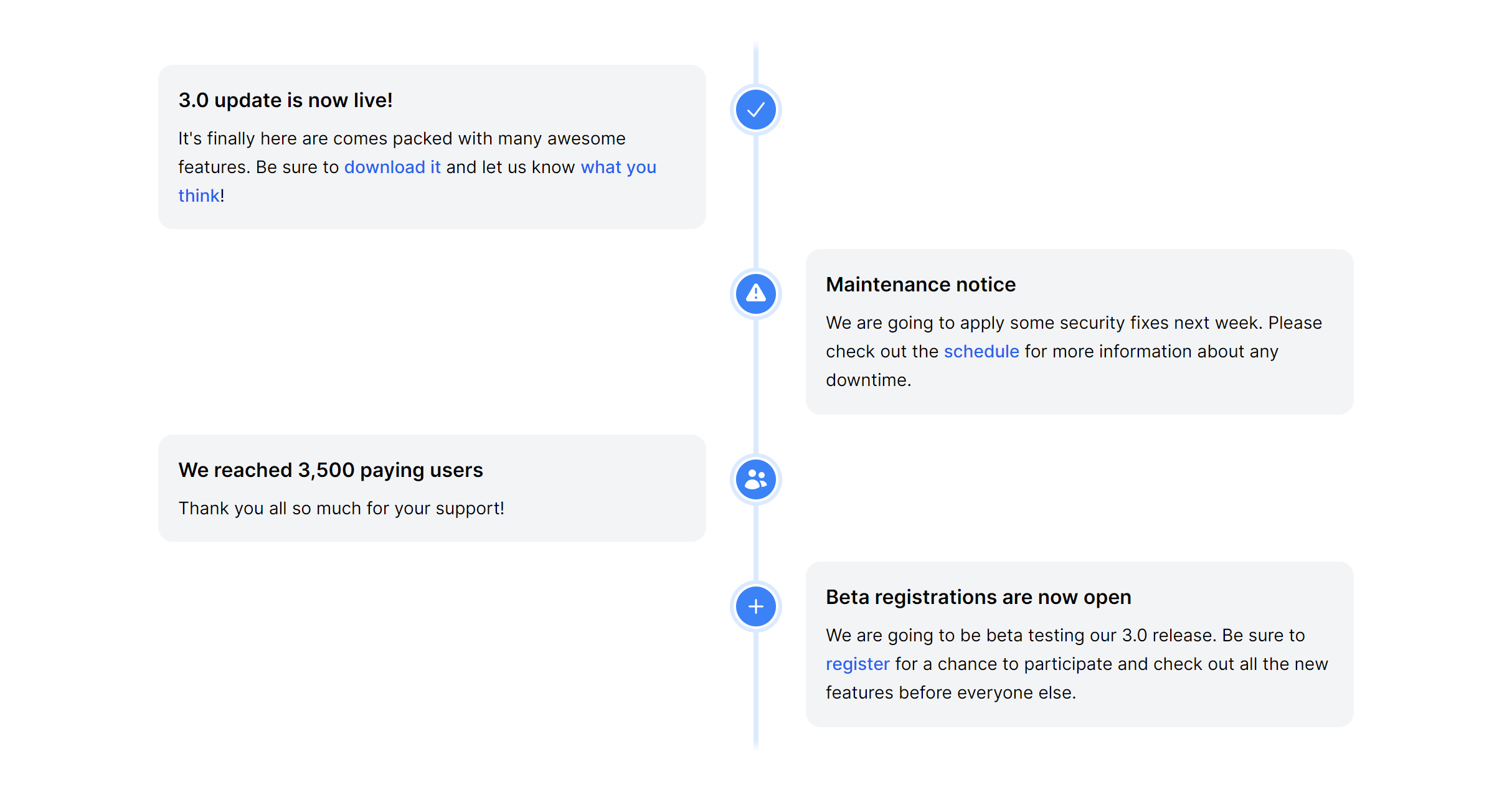
Centered with Text
Fully responsive design
Supports dark mode
Supports color editor
HTML code snippet
React code snippet
Vue.js code snippet
Screenshot
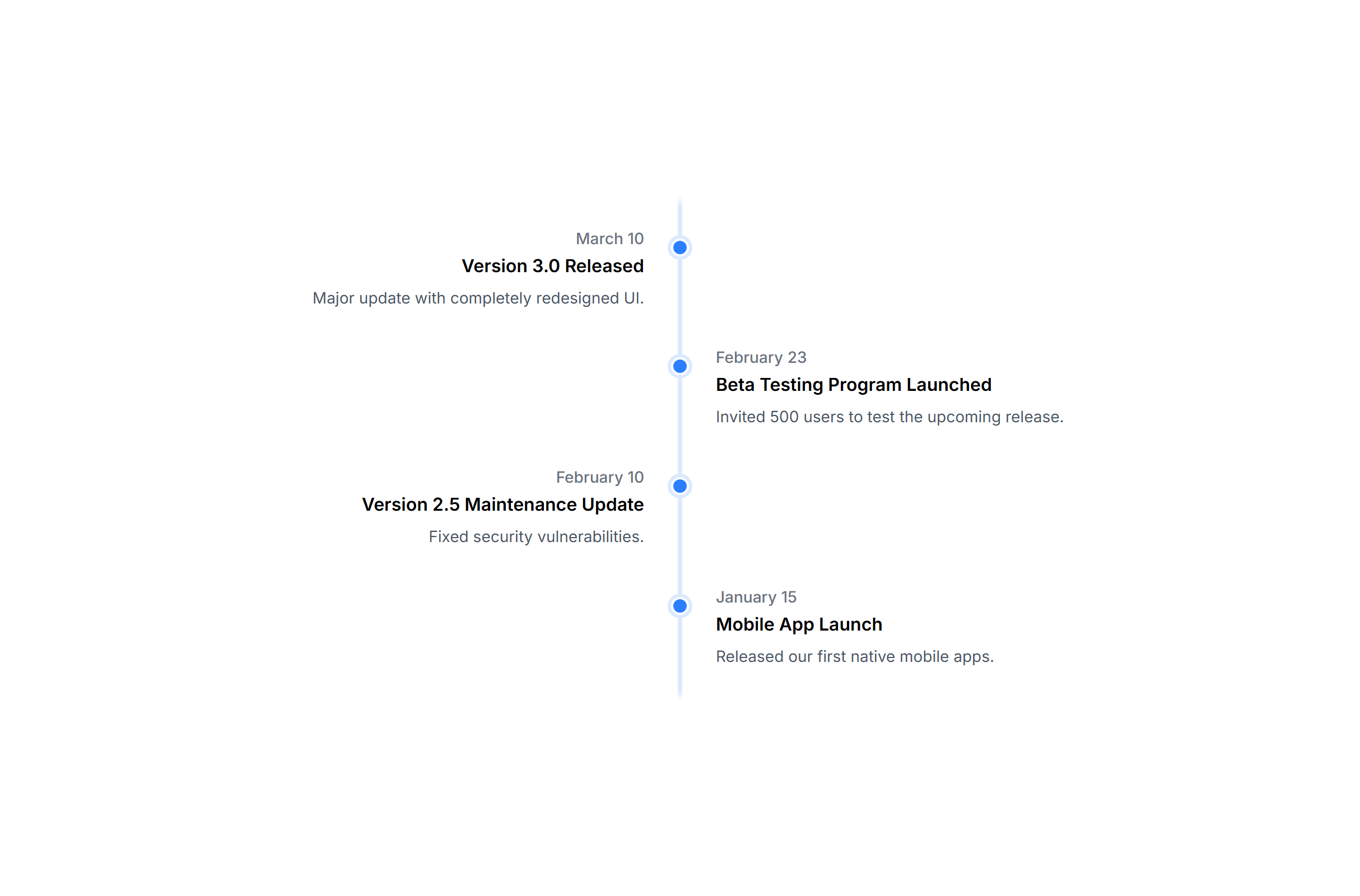
With Avatars
Fully responsive design
Supports dark mode
Supports color editor
HTML code snippet
React code snippet
Vue.js code snippet
Screenshot
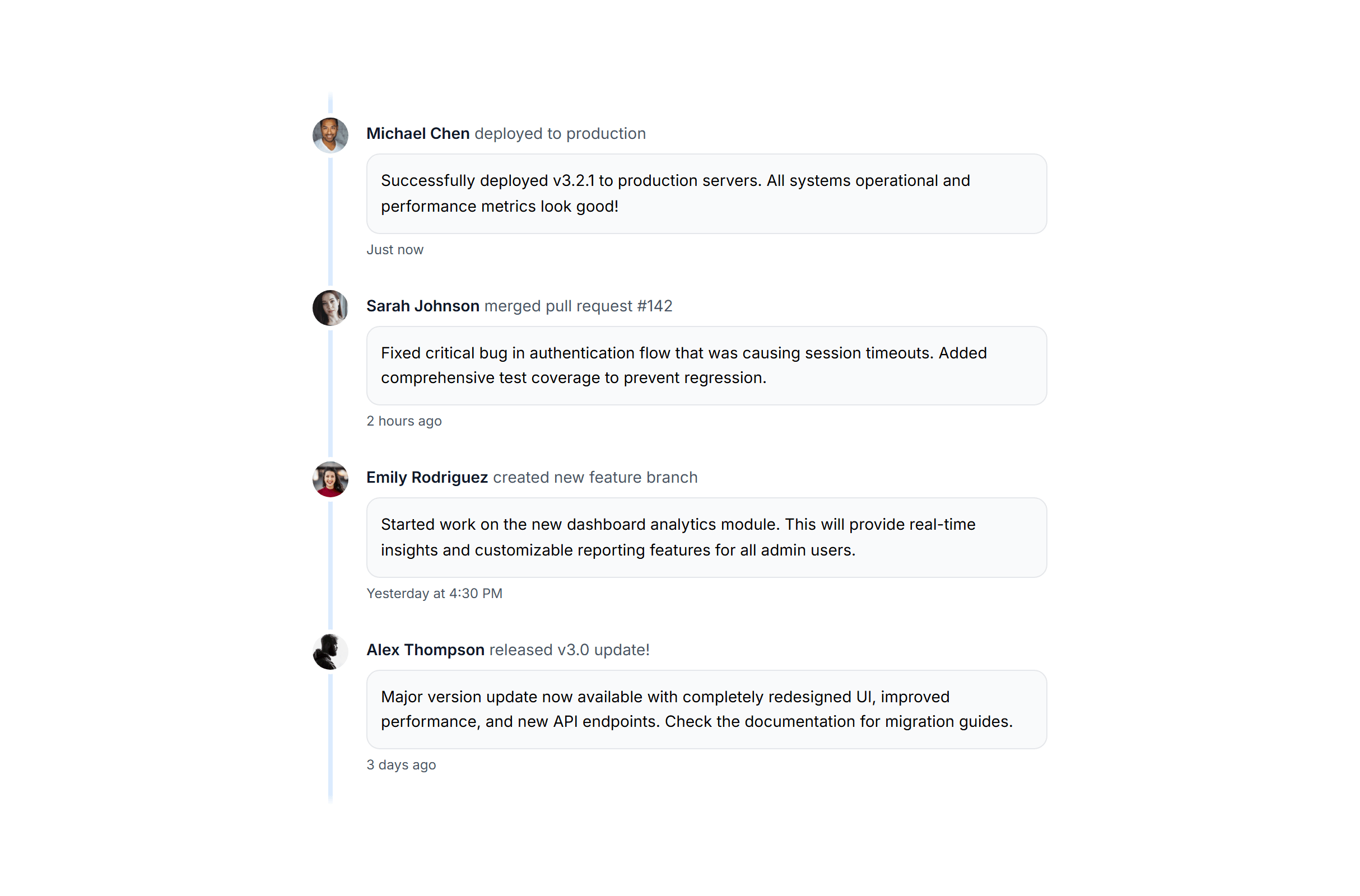
Gantt Chart Simple
Fully responsive design
Supports dark mode
HTML code snippet
React code snippet
Vue.js code snippet
Screenshot
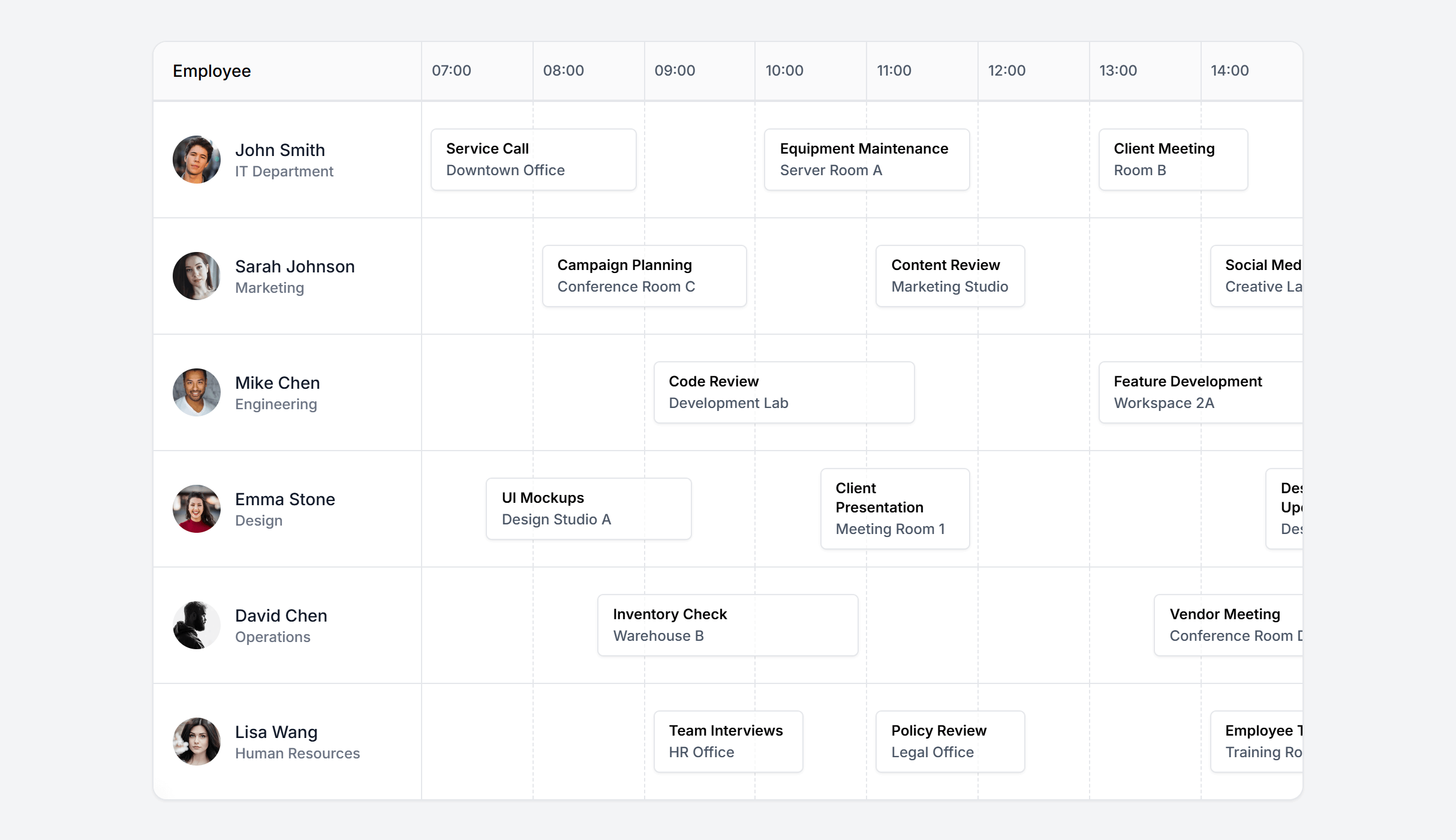
Gantt Chart Contextual
Fully responsive design
Supports dark mode
HTML code snippet
React code snippet
Vue.js code snippet
Screenshot
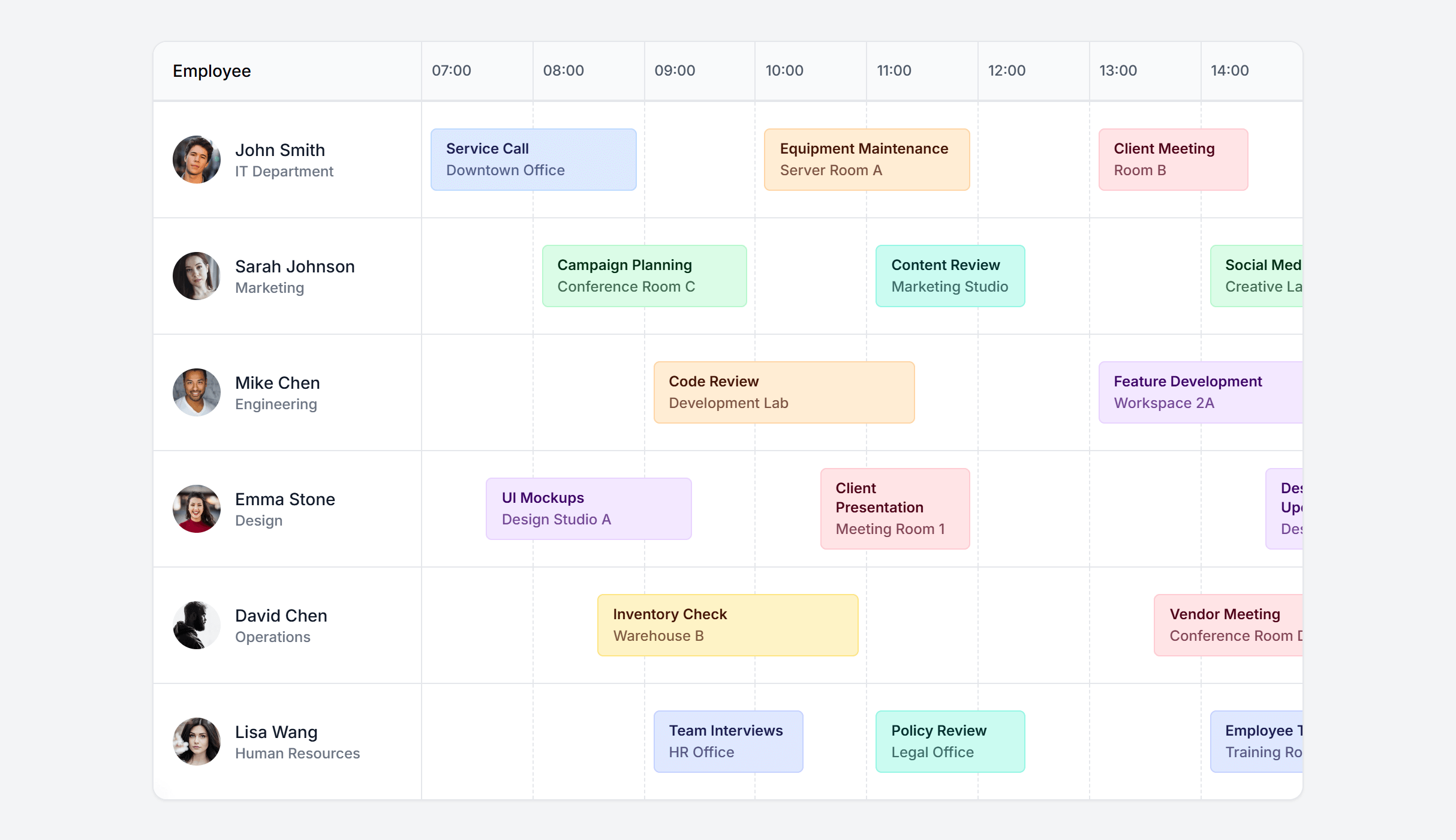
Gantt Chart Weekly
Fully responsive design
Supports dark mode
HTML code snippet
React code snippet
Vue.js code snippet
Screenshot
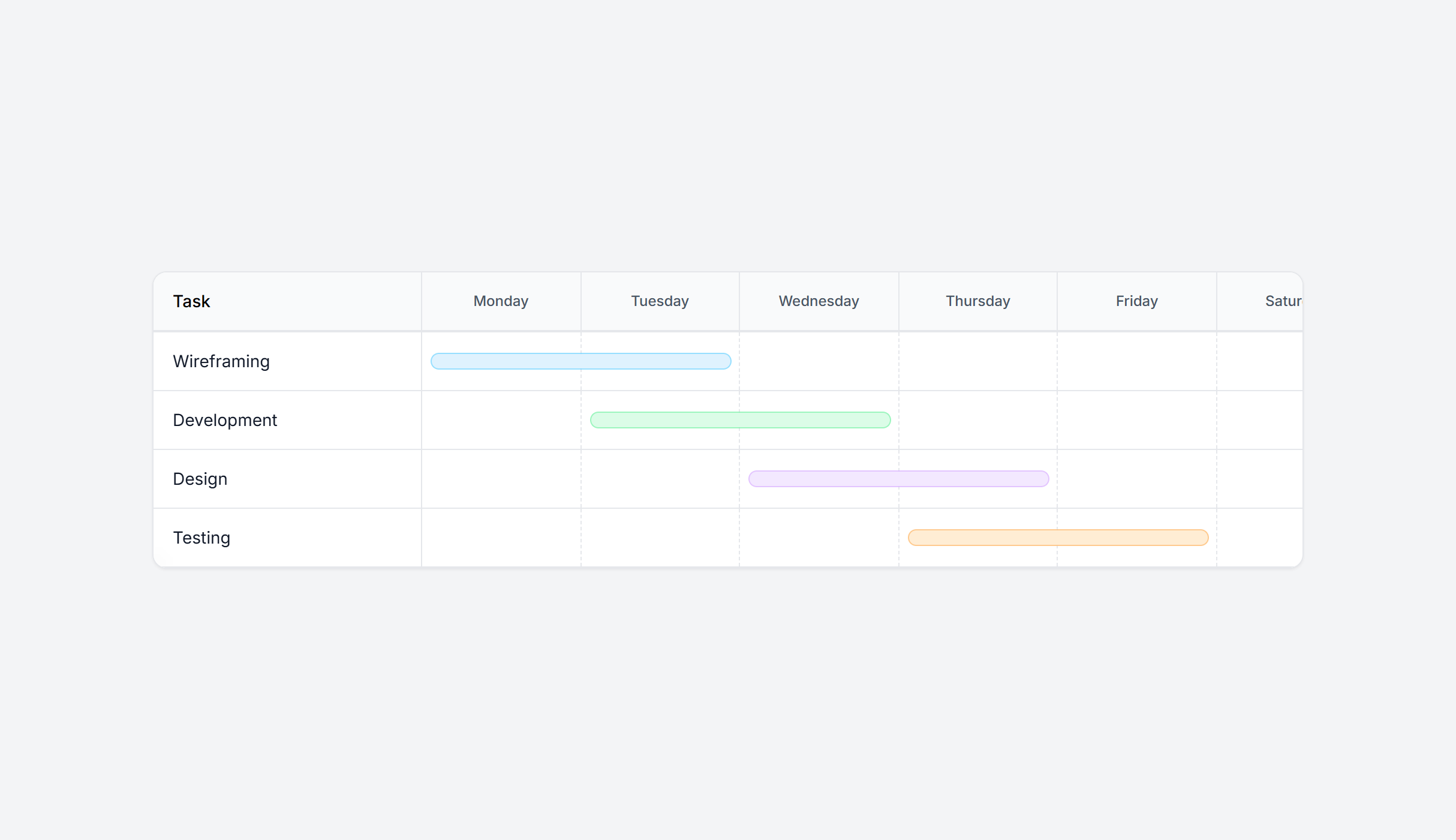
Gantt Chart Monthly
Fully responsive design
Supports dark mode
HTML code snippet
React code snippet
Vue.js code snippet
Screenshot
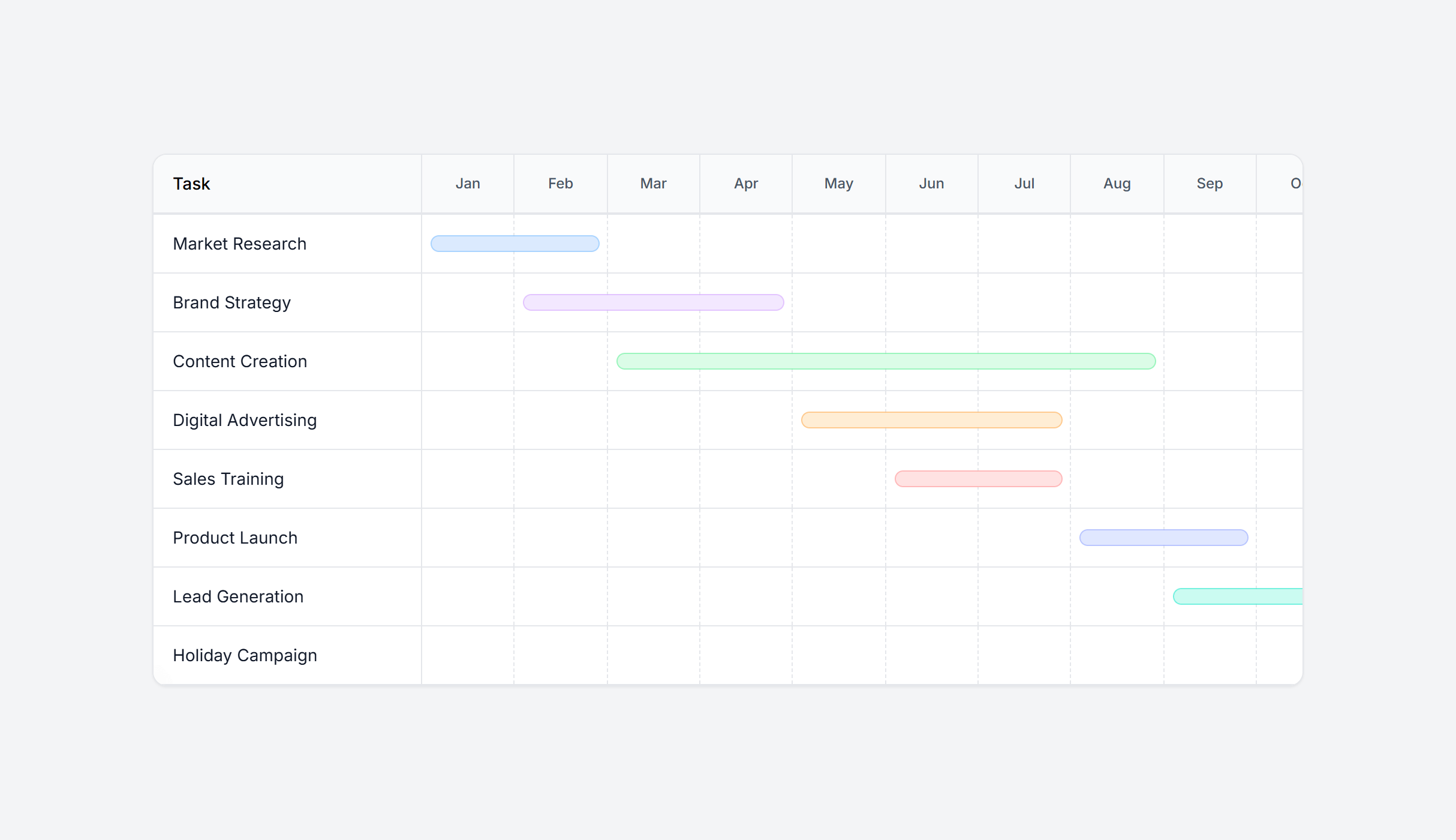
Gantt Chart Yearly
Fully responsive design
Supports dark mode
HTML code snippet
React code snippet
Vue.js code snippet
Screenshot
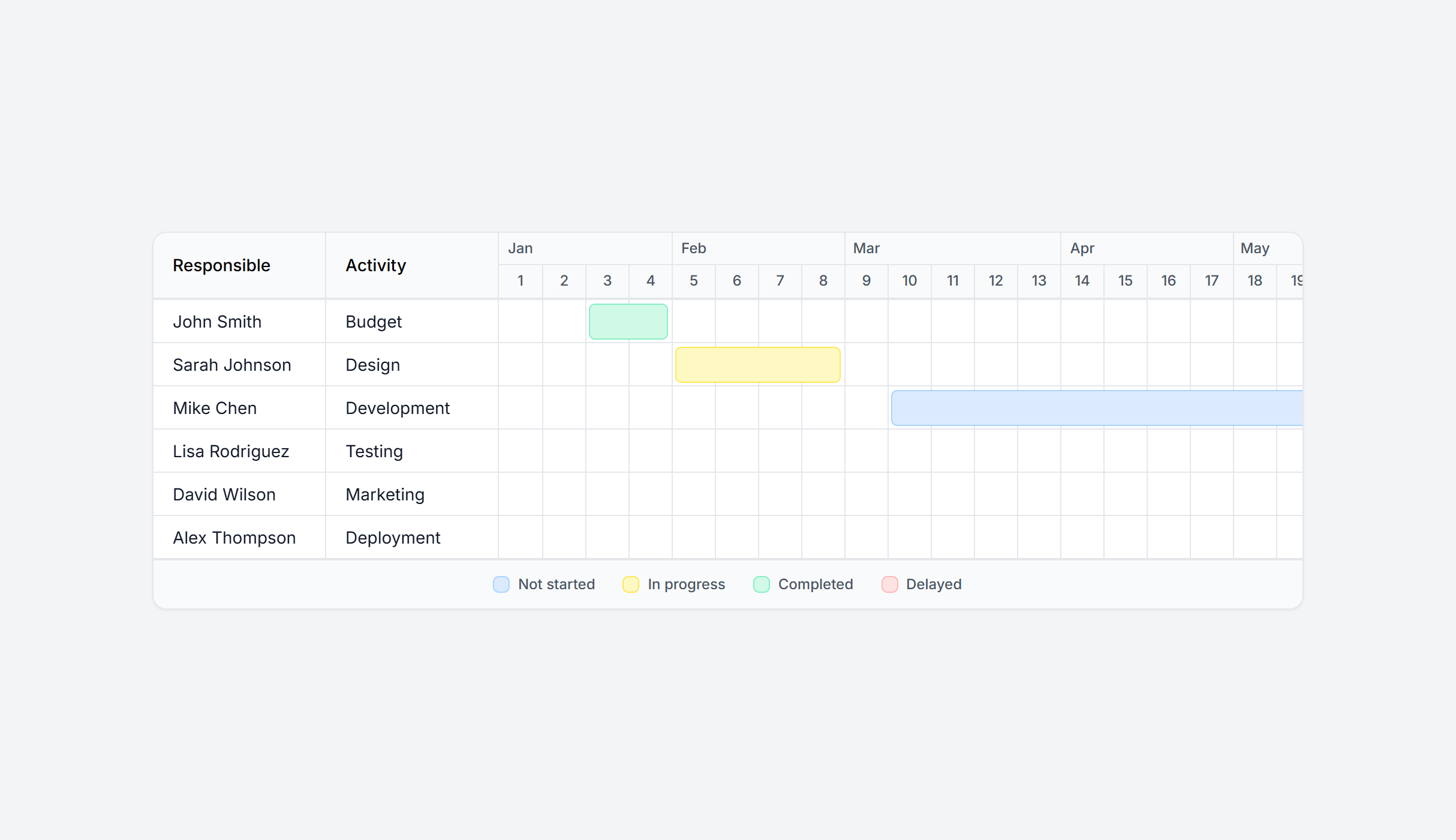
Need more information?
Frequently Asked Questions
Let’s have a better look into Tailwind CSS Timeline.
How do I visually distinguish past, current, and future events?
Use different colors and opacity levels for each state. Past events can have muted markers and text. The current or active event gets a prominent color like your primary brand color. Future events appear lighter or use dashed connector lines to signal they haven't happened yet. This creates a clear visual progression users can follow at a glance.

Prompt, build, ship. It's that simple
2,000+ handcrafted snippets.
Now in your AI editor.
Build modern web apps and websites with Tailkit's huge collection of Tailwind components, templates and tools. Now available through our MCP Server.